By Rai Haider
September 22, 2026
Business Card Size Guide: Dimensions, Printing, Design, and Business Card Boxes
A business card is small, but the wrong dimensions can create problems during design, printing, storage, and presentation. Text may sit too close to the edge, artwork may not trim cleanly, or the finished cards may not fit comfortably inside a holder or storage box.
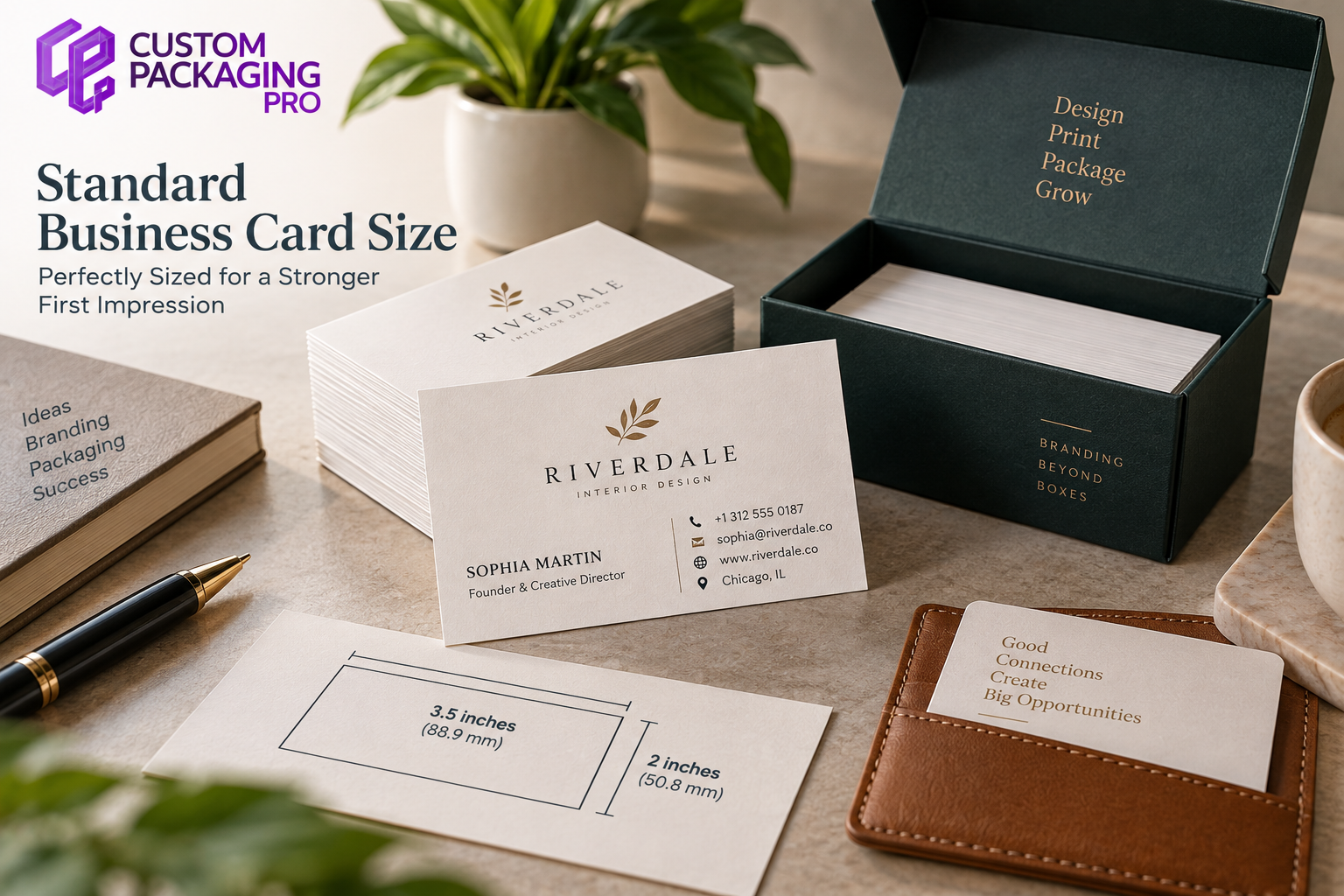
In the US, a conventional business card is typically produced at 3.5 x 2 inches. The format gives designers enough usable space for key contact information while still remaining compact enough for everyday carrying and storage.
There is no single mandatory international size used in every country. Dimensions can vary by region, printing practice, and local preference. For a US-focused business, though, 3.5 x 2 inches remains the most practical reference point.
Beyond width and height, several other details matter. Bleed, safe spacing, card stock, orientation, print quality, and the fit of Business Card Boxes can all affect how professional the final product feels.
Common Business Card Dimensions Used in the US
The commonly used business card size in the United States is:
3.5 inches x 2 inches
In metric terms, that is approximately:
88.9 mm x 50.8 mm
These dimensions describe the card in its final cut form, after any extra production area has been removed.
This is also the answer people are usually looking for when they search phrases such as:
- size of business card
- typical business card size
- normal business card size
- regular business card size
- traditional business card size
- standard biz card size
- what size are business cards
- what size is a business card
A portrait card can use the same dimensions in reverse, which gives a finished size of 2 x 3.5 inches.
Business Card Measurements at a Glance
The table below gives a useful overview of common production measurements.
| Detail |
Common Measurement |
| Finished size |
3.5 x 2 inches |
| Metric equivalent |
88.9 x 50.8 mm |
| Portrait format |
2 x 3.5 inches |
| Typical bleed allowance |
About 0.125 inch per side |
| Approximate artwork size with bleed |
About 3.75 x 2.25 inches |
| Print resolution |
Around 300 DPI |
| Common print color mode |
CMYK |
The finished card size and the artwork file size are not always identical. Extra space may be added around the design to allow for trimming.
Finished Size, Bleed, and Safe Area
A business card usually goes through a trimming stage after printing. That is why artwork that reaches the edge normally needs a little extra space around it. This extra printed area is called bleed.
Imagine a card with a full-color background. If the background stops exactly at the cut line, even a slight shift during trimming can leave a thin unprinted edge. Extending the background beyond the final cut helps avoid that problem.
- Bleed Area
Backgrounds, photos, patterns, and color blocks that should reach the edge of the card can extend into the bleed area.
- Trim Line
The trim line marks the intended final edge of the printed card.
- Safe Area
Names, logos, contact details, QR codes, and other important information should remain comfortably inside the trim line.
This creates a better visual balance and reduces the chance of important content being affected during finishing.
Business Card Size in Inches and Millimeters
Inches are commonly used by US printers, while millimeters are frequently used in international design and production work.
For a typical US business card:
- 3.5 inches = 88.9 mm
- 2 inches = 50.8 mm
This conversion is especially useful when artwork is created in one country and printed in another. Even a small sizing difference can become noticeable on a compact piece of print, so dimensions should be checked before production begins.
Is There an International Business Card Standard?
There is no single worldwide rule that requires every business card to use the same dimensions. Different countries and regions often use slightly different proportions. Some formats are narrower, some are taller, and others are closer to local banking or identification card sizes.
That means international businesses should think about more than design preference. They may also need to consider:
- wallet compatibility
- card holder dimensions
- regional printing conventions
- metric and imperial measurements
- available paper sizes
- packaging requirements
For a US audience, the familiar 3.5 x 2-inch format is usually the safest choice.
Landscape vs Portrait Business Cards
The same rectangular format works in either landscape or portrait orientation, depending on how the information is arranged.
- Landscape Format
A landscape card measures 3.5 inches wide by 2 inches high.
This layout works well for horizontal logos, longer business names, and contact details arranged from left to right.
- Portrait Format
A portrait card measures 2 inches wide by 3.5 inches high.
This orientation can create a more distinctive appearance and may suit centered typography, photography, vertical branding, or minimalist layouts.
Neither option changes the total printable area. The decision is mainly about visual hierarchy and how the information is organized.
Standard Business Card Size vs Custom Sizes
The traditional rectangular format is popular because it is easy to carry and store, but businesses can also choose other shapes.
Common alternatives include:
- square cards
- mini cards
- folded cards
- rounded-corner cards
- die-cut cards
- oversized cards
- custom-shaped cards
A custom biz card size can help a brand stand out, but it may also create practical issues. A square card may not fit a regular business card holder. An oversized design may be awkward in a wallet. An unusual shape may require custom packaging. For that reason, a custom size should have a clear purpose rather than being used only to look different.
How Card Stock Affects Business Cards
Card stock affects thickness, stiffness, weight, and feel more than width and height. Two cards can both measure 3.5 x 2 inches while feeling completely different in the hand. A lighter stock may be easier to distribute in large quantities. A thicker stock can feel more substantial and premium.
Important stock-related factors include:
- thickness
- surface texture
- flexibility
- coating
- weight
- print compatibility
Thickness also affects storage. A stack of 500 thick cards occupies more vertical space than 500 lightweight cards. That difference becomes important when designing or ordering Business Card Boxes.
Business Card Design Within a Small Format
The goal of business card design is not to fill every available space. The small format works best when the information is prioritized.
A business card may include:
- name
- job title
- company name
- logo
- phone number
- email address
- website
- QR code
If the front feels crowded, the reverse side can carry secondary information. White space also has value. It helps important details stand out and makes the card easier to scan. A colorful or visually bold card can still look professional when the layout remains controlled.
Preparing Files for Business Cards Printing
Correct business card measurements are only one part of print preparation. Artwork also needs the right resolution, spacing, and production settings.
Before sending a file for business cards printing, check:
- Final dimensions
- Bleed
- Safe margins
- Image resolution
- Font readability
- Front and back orientation
- QR code clarity
- Color mode
Around 300 DPI is commonly used for high-quality raster artwork. CMYK is generally used in commercial print workflows, while RGB is used for screens. Because the two systems behave differently, printed colors may not look exactly the same as they appear on a monitor.
Using a Business Card Maker
A business card maker can be useful for people who do not work with professional design software. These tools provide ready-made layouts that help users create professional-looking cards while keeping common print requirements in mind.
Templates make it easier to arrange logos, contact information, colors, and typography within a standard card format. Although business cards are designed for professional networking, their compact layout is sometimes compared with other small printed formats such as playing cards, where understanding playing card dimensions helps explain how different print products use specific sizing standards for their purpose.
These tools are often practical for:
- startups
- freelancers
- small businesses
- temporary cards
- simple staff cards
However, the exported file should still be checked before printing. A design can look correct on screen while still having problems with bleed, resolution, or safe spacing.
Business Cards Near Me and Local Printing
Searches such as business cards near me and printing near me usually suggest that the user needs physical cards quickly.
Local printing may be useful before:
- meetings
- trade shows
- conferences
- networking events
- employee onboarding
- product launches
When comparing custom printing services, look at more than turnaround time.
Also check:
- paper options
- print quality
- finishing choices
- minimum quantities
- pickup time
- proofing options
- design requirements
The nearest printer is not automatically the best option if the print quality or stock does not match the brand.
What Are Business Card Boxes?
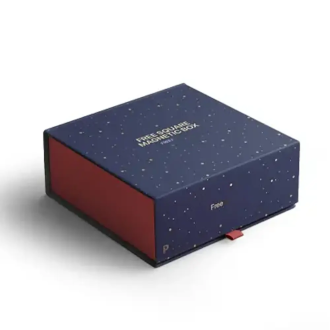
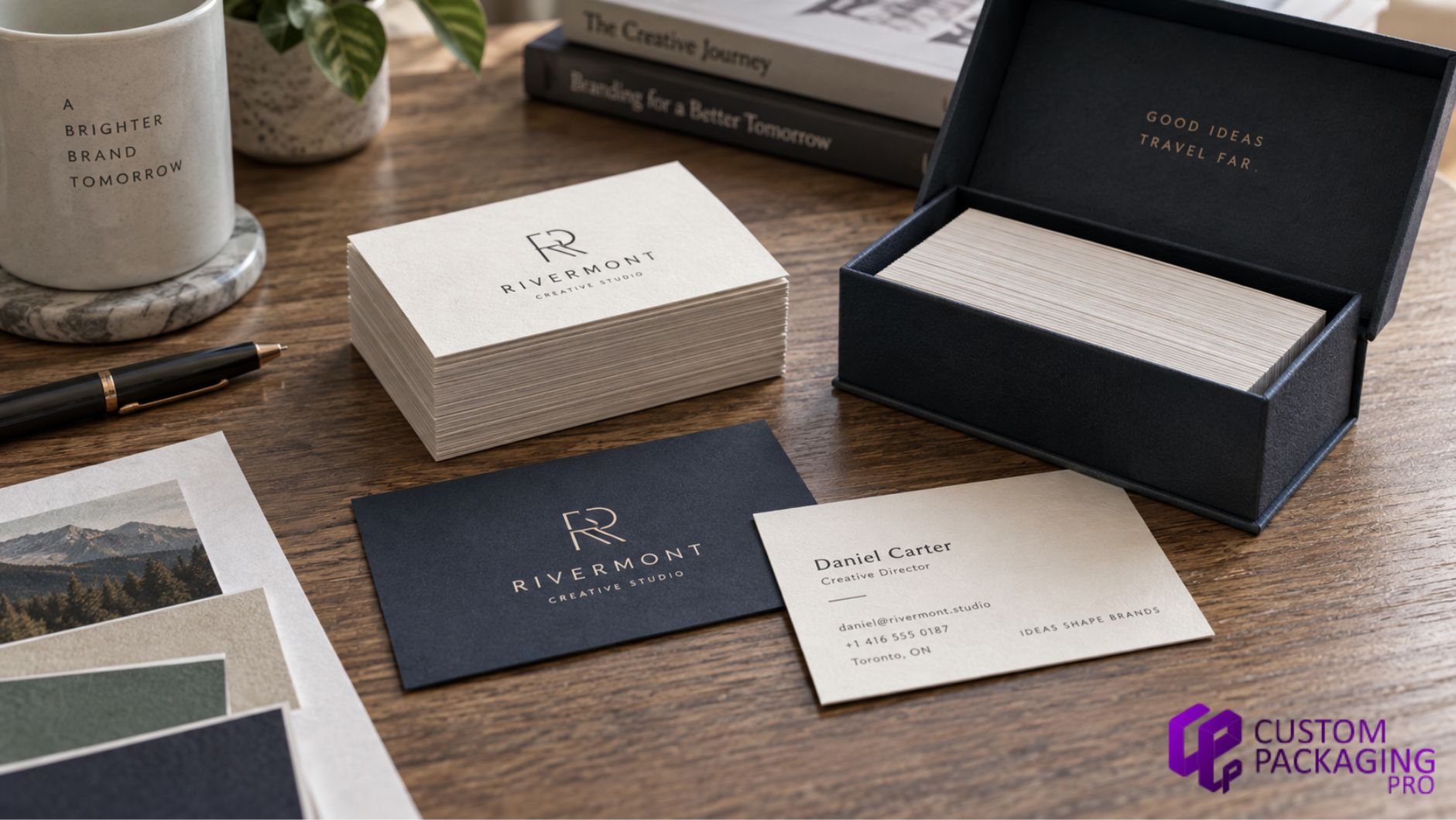
Business Card Boxes are used to store, protect, organize, and present printed cards. They can be simple storage boxes or more premium branded packages.
Businesses may use them for:
- employee stationery
- sales teams
- networking materials
- event kits
- executive cards
- client welcome packs
- corporate stationery sets
A properly fitted box helps protect the corners and surfaces of the cards before they are distributed. For premium presentation, the box can also become part of the overall brand experience.
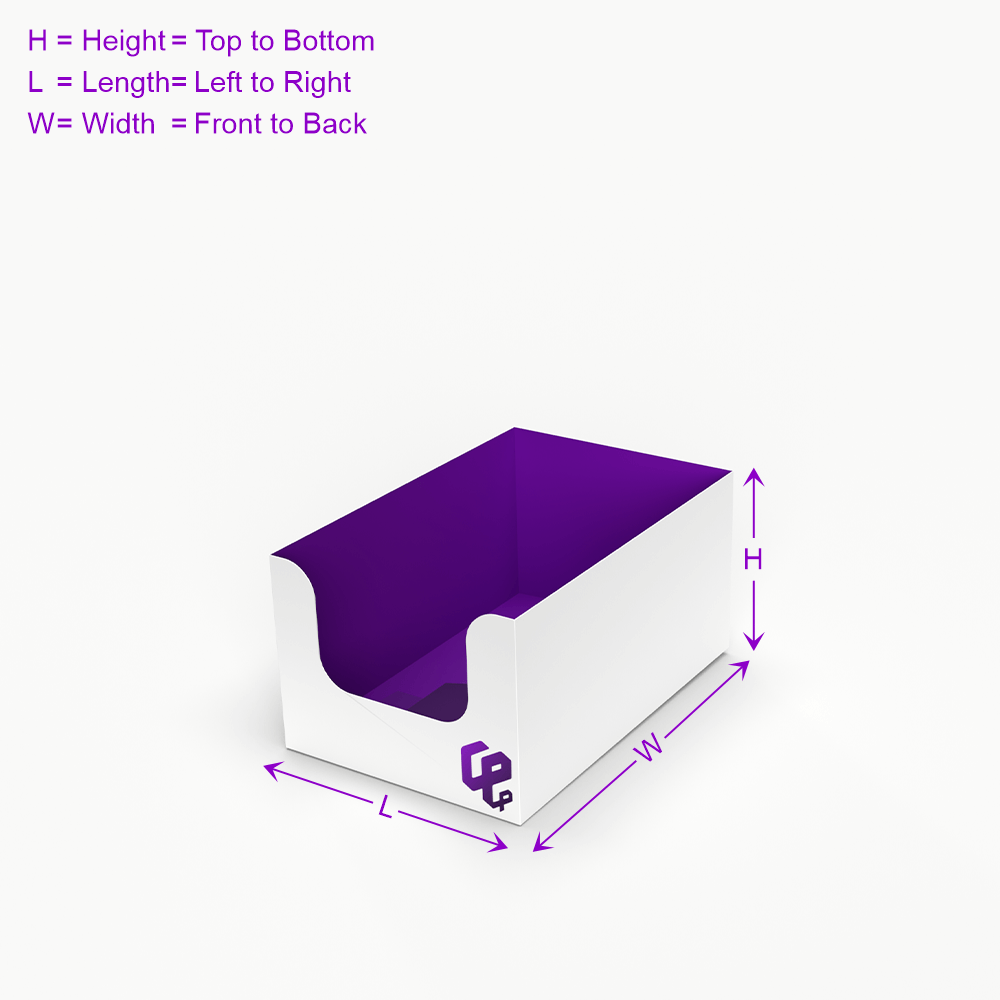
How to Measure Business Card Boxes
A card box should not be designed from width and height alone.
The internal fit depends on several factors:
- card length
- card width
- stock thickness
- number of cards
- total stack height
- internal clearance
- insert requirements
For example, two stacks of 250 cards may require different box depths if one uses much thicker stock. A small amount of clearance helps the cards slide out easily. Too much space can allow them to move during shipping. For custom packaging, testing a sample inside a prototype is one of the safest ways to confirm fit before producing a larger quantity.
Types of Business Card Boxes
Different box structures suit different uses.
- Tuck Boxes
Tuck boxes are compact and practical for everyday storage.
- Two-Piece Boxes
A lid and base create a cleaner presentation and make the cards easy to access.
- Drawer Boxes
A sliding tray can create a more premium opening experience.
- Rigid Boxes
Rigid construction is usually chosen when presentation matters more than minimizing material.
The right structure depends on how the cards will be stored, distributed, or presented.
Business Card Size vs Postcard Size
A post card serves a different purpose from a business card. Business cards are compact and focus on identity and contact information. Postcards provide more room for:
- promotions
- images
- offers
- event details
- product messages
- mailing information
A common postcard size used for marketing is around 4 x 6 inches, although other sizes are also available.
| Printed Item |
Common Example |
| Business card |
3.5 x 2 inches |
| Promotional postcard |
Around 4 x 6 inches |
Because postcards have much more space, they should not simply be treated as enlarged business cards.
Free Business Cards and Low-Cost Options
Searches for free business cards are common among startups and individuals trying to reduce early costs. A free or low-cost option may be useful for testing a layout, but businesses should still check:
- card stock
- print quality
- design restrictions
- quantity limits
- finishing options
- shipping costs
- unwanted branding
A business card is often exchanged during a first meeting. The quality should support the image the business wants to present.
Common Business Card Sizing Mistakes
Some problems appear again and again during design and production.
- No Bleed on Edge-to-Edge Artwork
Backgrounds that end exactly at the trim line can leave unwanted white edges.
- Text Too Close to the Edge
Important information should have enough space around it to remain visually clear.
- Ignoring Card Thickness
Cards can have the same width and height but very different stack heights.
- Designing Packaging Too Early
Choosing thicker stock after the box has already been produced can create a fit problem.
- Choosing a Custom Size Without Considering Storage
An unusual shape may look good but fail to fit standard wallets, holders, or boxes.
- Adding Too Much Information
A business card should communicate the most useful details rather than every service a company offers.
How to Choose the Right Business Card Size
For most US businesses, the familiar 3.5 x 2-inch format is a sensible starting point.
Before finalizing the design, consider:
- Where will the card be stored?
- How much information needs to appear?
- Should the layout be horizontal or vertical?
- What stock thickness will be used?
- Will the cards need custom packaging?
- How many cards should fit in each box?
- Will a special finish add more value than a custom size?
A nonstandard format can work well when it supports a clear branding or usability goal. Otherwise, familiar dimensions combined with good design, quality stock, and strong presentation usually create a better result.
Final Thoughts
For businesses in the United States, 3.5 x 2 inches is the commonly used business card size. That measurement is useful, but it is only one part of the finished product.
Bleed helps edge-to-edge artwork print cleanly. Safe spacing protects important information. Card stock changes the feel and total stack thickness. Orientation affects layout, while print preparation affects clarity.
For larger quantities, Business Card Boxes also become important. A well-fitted box can keep the cards organized, protect corners, and improve the final presentation. The best result comes from treating design, printing, and packaging as parts of the same process rather than separate decisions.
Frequently Asked Questions About Business Card Size
- What is the size of a business card?
A commonly used US business card measures 3.5 x 2 inches.
- What are standard business card dimensions in millimeters?
A 3.5 x 2-inch card is approximately 88.9 x 50.8 mm.
- What is the average size of a business card in the USA?
The common US format is 3.5 inches wide by 2 inches high.
- What is a normal business card size with bleed?
A common approach is to add about 0.125 inch of bleed on each edge, but the exact dimensions should match the production requirements of the printer.
- Does a portrait business card use different dimensions?
The same measurements are usually reversed, so a portrait card is 2 x 3.5 inches.
- Does card stock affect business card dimensions?
It normally affects thickness rather than width and height.
- Are business card sizes the same worldwide?
No. Common dimensions vary between countries and regions.
- Can square cards fit a standard business card holder?
Some may, but many standard holders are designed for rectangular cards. The holder dimensions should be checked first.
- How large should Business Card Boxes be?
The internal size should account for the actual card dimensions, stock thickness, quantity, stack depth, and required clearance.
- How many business cards fit in one box?
The number depends on card thickness and box depth. A thicker stock will reduce the number of cards that fit into the same internal space.
- Is 300 DPI suitable for business card printing?
Around 300 DPI is commonly used for high-quality raster artwork, but the final file should always follow the production requirements of the selected printer.

 Custom Boxes
 Mailer Boxes
 Shipping Boxes
 Display Boxes
 Product Boxes
 Retail Packaging
 Luxury Packaging
 Sustainable Packaging
 Mylar Bags
 Labels & Stickers
 Inserts & Dividers
 Acrylic Signs
 Mylar and Zipper Bags
 Cosmetic Boxes
 Custom Candle Packaging Boxes
 Food and Beverage
 Display Packaging
 Pharma Packaging
 Custom Blister Packaging
 Stand Up Displays
 Kraft Boxes
 Cereal Packaging Boxes
 Bakery Packaging Boxes
 Eco-Friendly Boxes
 Electronics Packaging Boxes
 Custom Vape Boxes & Packaging
 CBD Packaging Boxes
 Rigid & Luxury Packaging Boxes
 Gift Boxes
 Custom Soap Boxes & Packaging
 Metalized Boxes
 Retail Boxes
 Subscription Boxes
 Invitation Boxes
 Corrugated Shipping Boxes
 Matte Finish
 Gloss Finish
 Soft Touch
 Foil Stamping
 Spot UV
 Embossing
 Debossing
 Window Cutouts