By Rai Haider
June 10, 2026
Pacdora Guide 2026: 3D Packaging Mockups, Dielines and Product Design Online
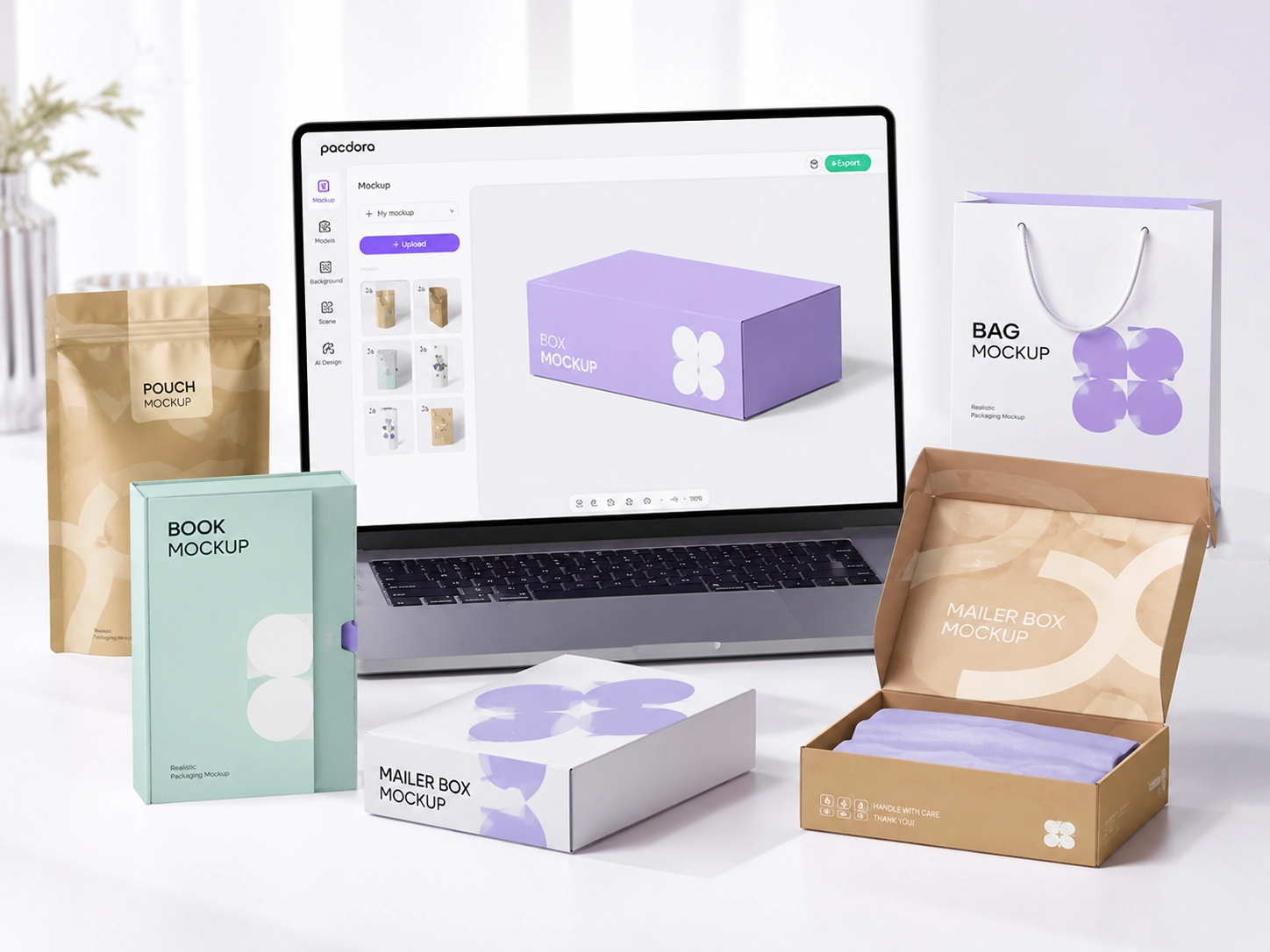
Packaging design has become much more accessible than it was a few years ago. Businesses no longer need expensive software or advanced technical skills to visualize their packaging ideas. Tools like Pacdora have changed the way brands create packaging concepts, review designs, and prepare projects before moving into production.
Whether you are a startup launching a new product, an ecommerce seller creating branded packaging, or a designer working with multiple clients, Pacdora provides a faster way to build packaging mockups and preview designs online. The platform combines packaging visualization, dieline creation, and 3D rendering into a single browser-based workflow. Not just hundreds, not just thousands, Pacdora is now used by millions of creators, designers, and packaging teams worldwide, making it one of the most recognized online tools for packaging mockups and dieline creation.
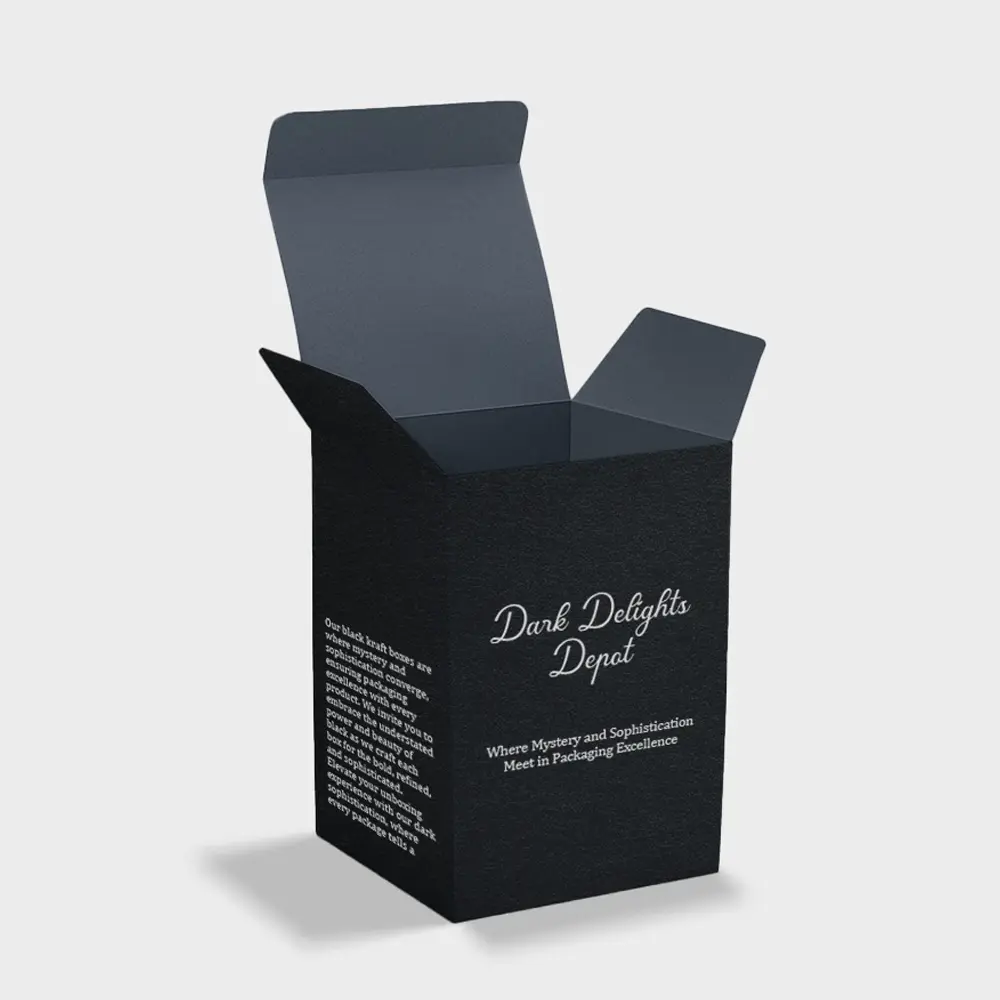
Once the design concept is ready, brands still need reliable custom packaging boxes to turn the digital preview into real printed packaging.
Why Listen to Us? The Real Manufacturing Perspective
At Custom Packaging Pro, we receive hundreds of client files weekly. While tools like Pacdora make 3D visualization easy, over 40% of dielines created by beginners contain scaling or bleed errors that cause printing delays. This guide bridges the gap between digital mockups and physical box production based on actual pre-press manufacturing experience.
What Is Pacdora?
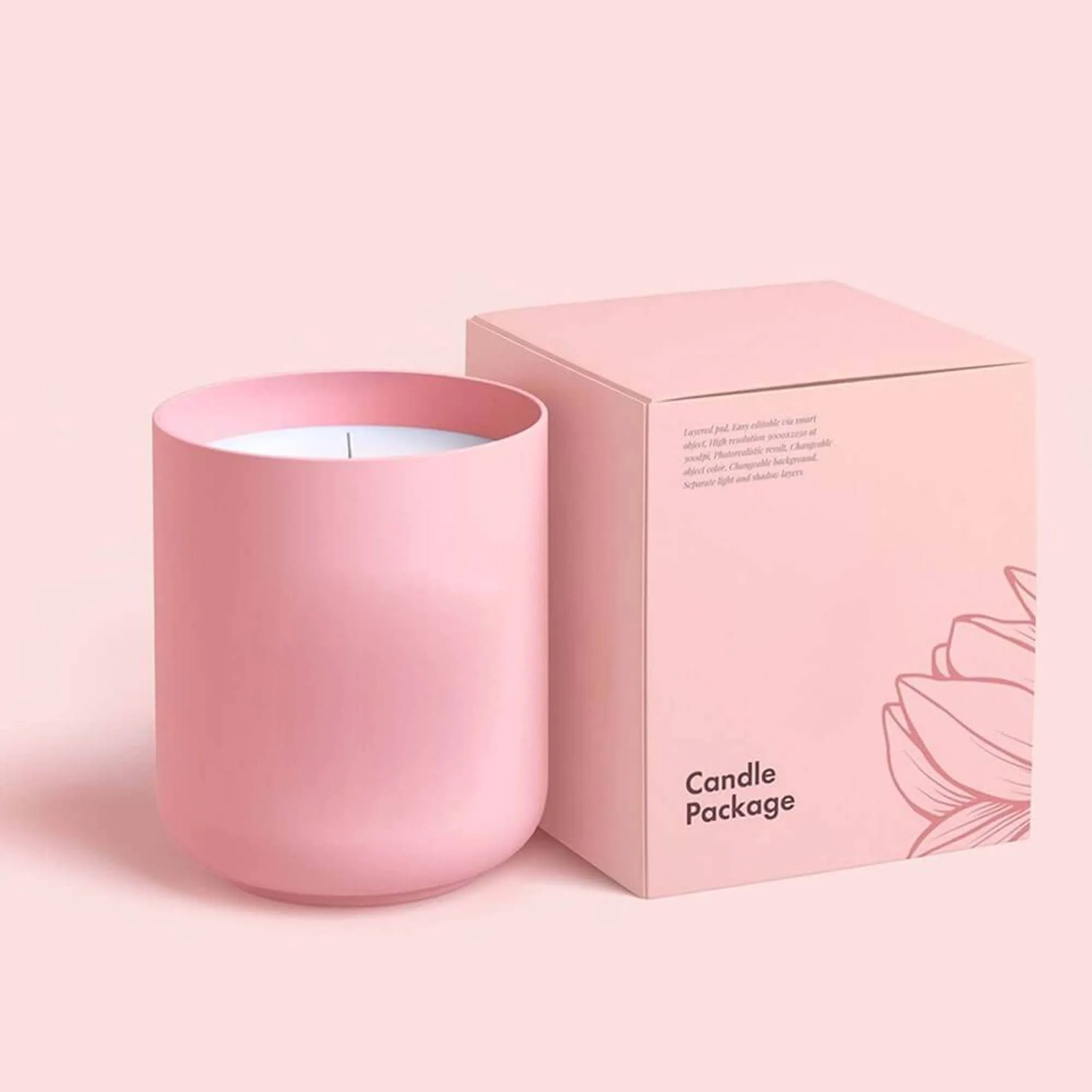
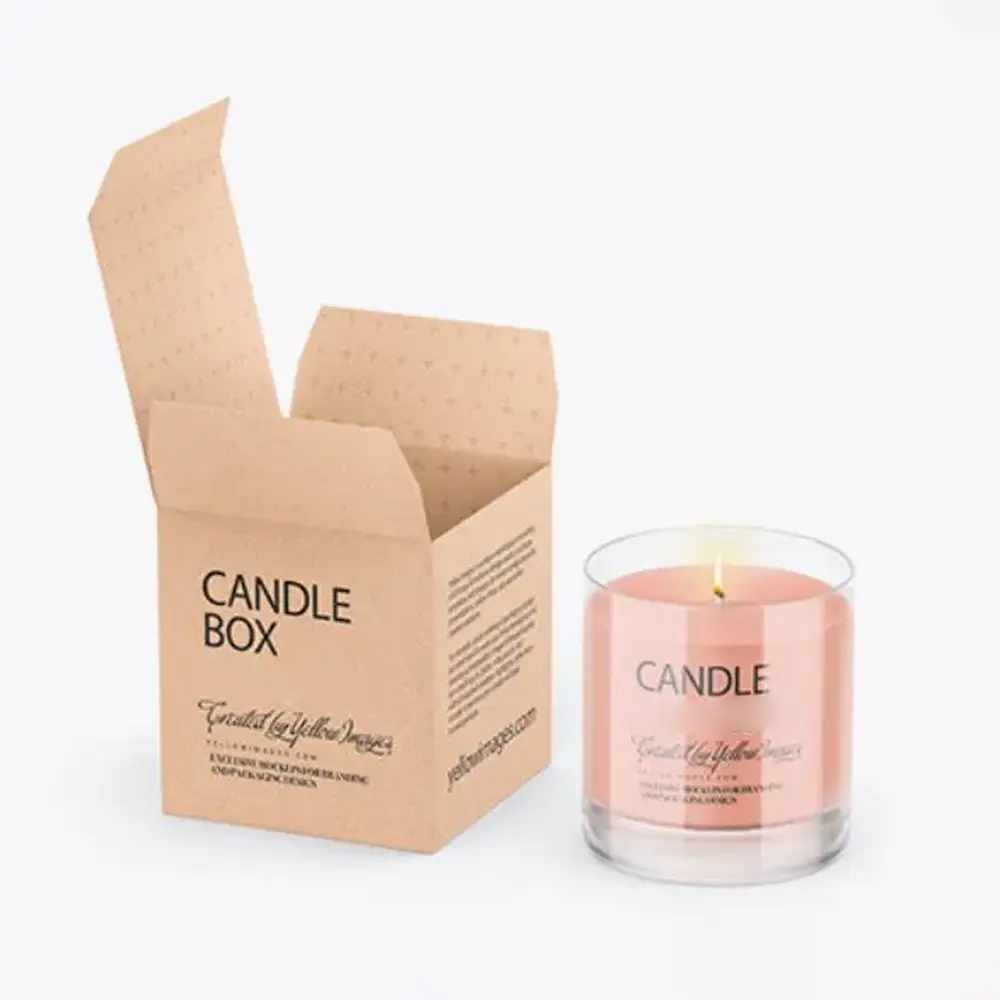
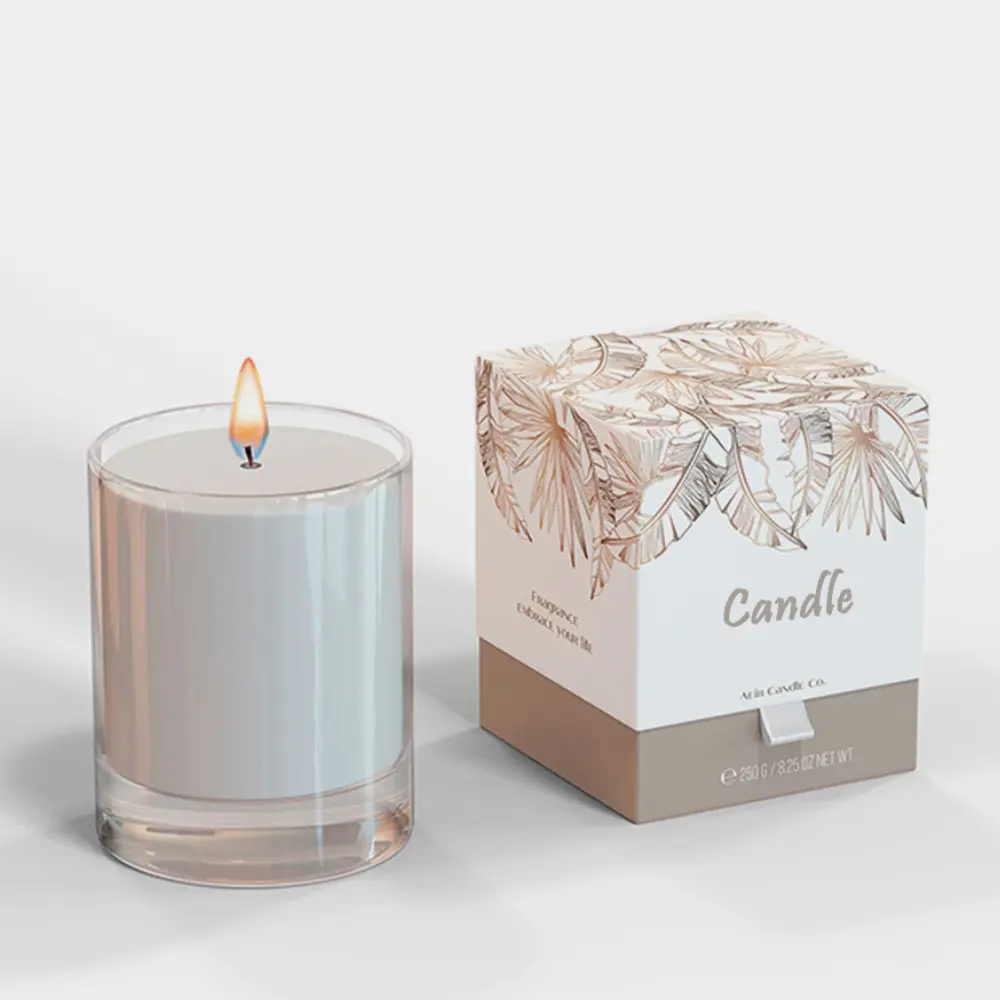
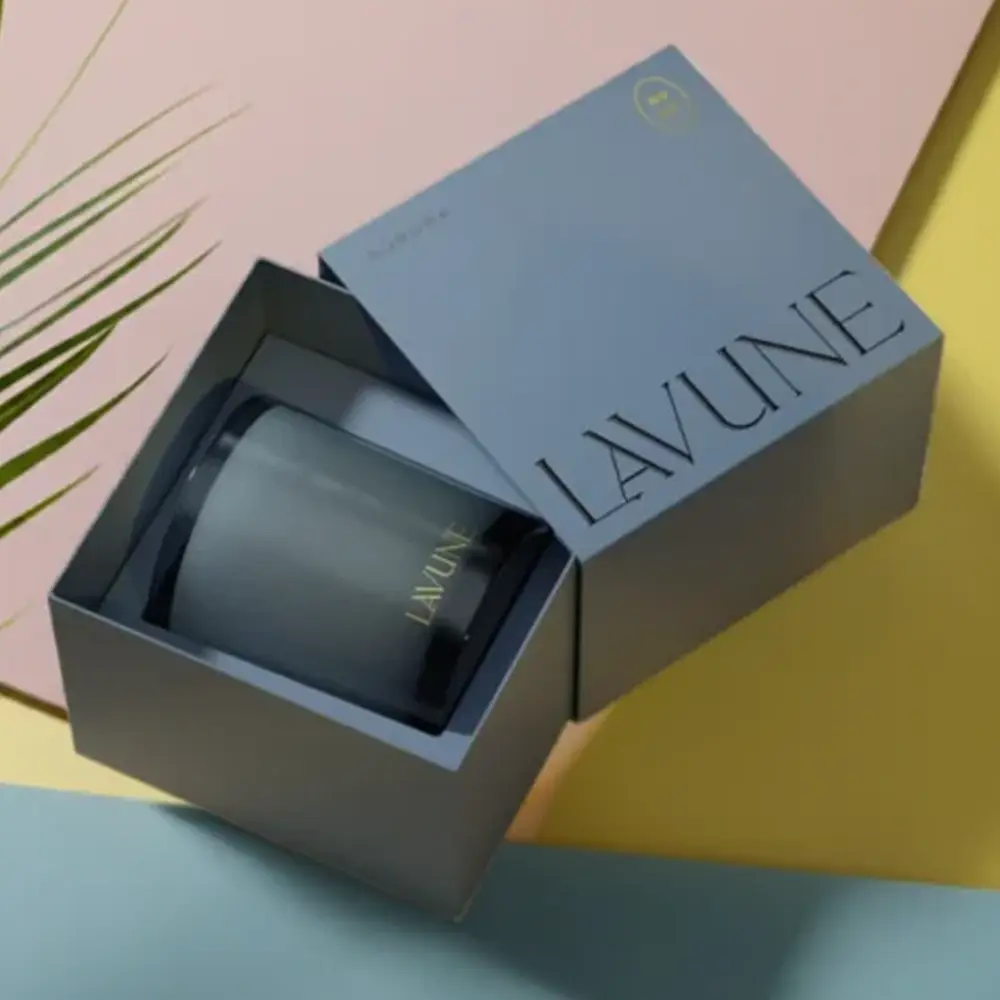
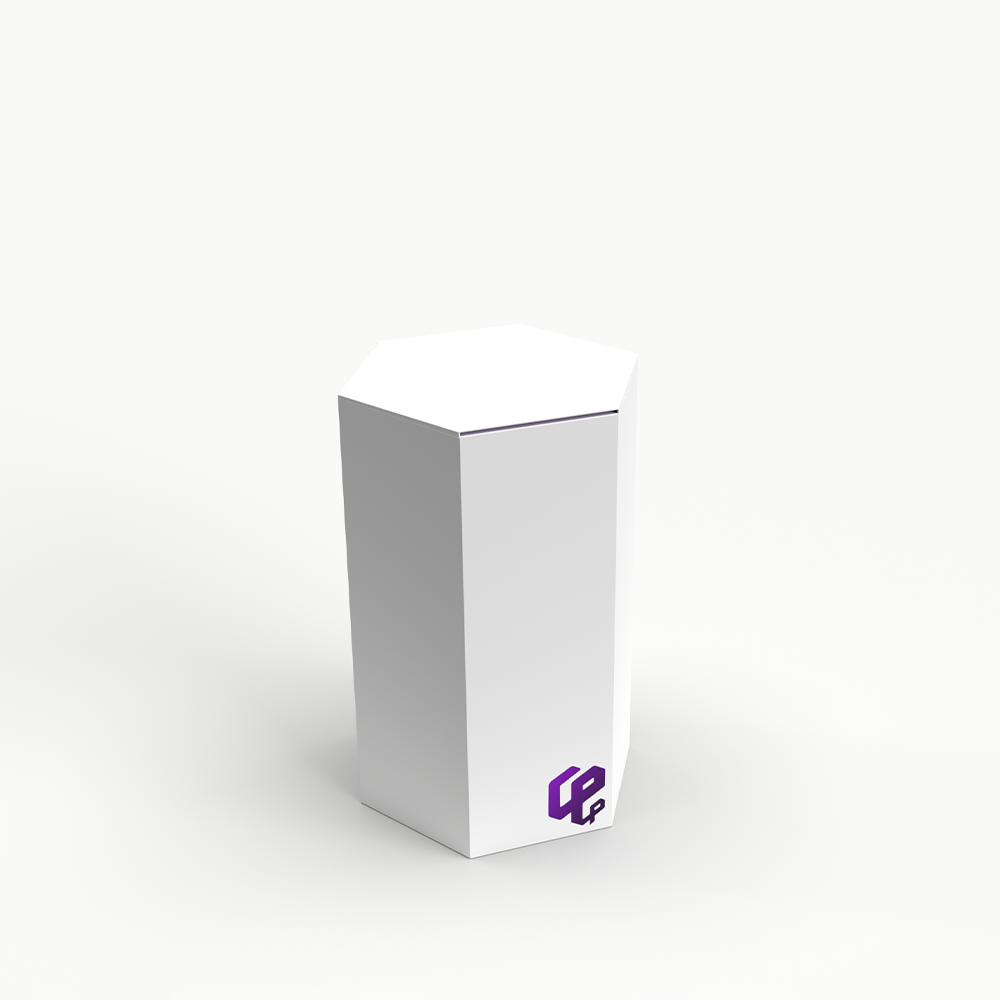
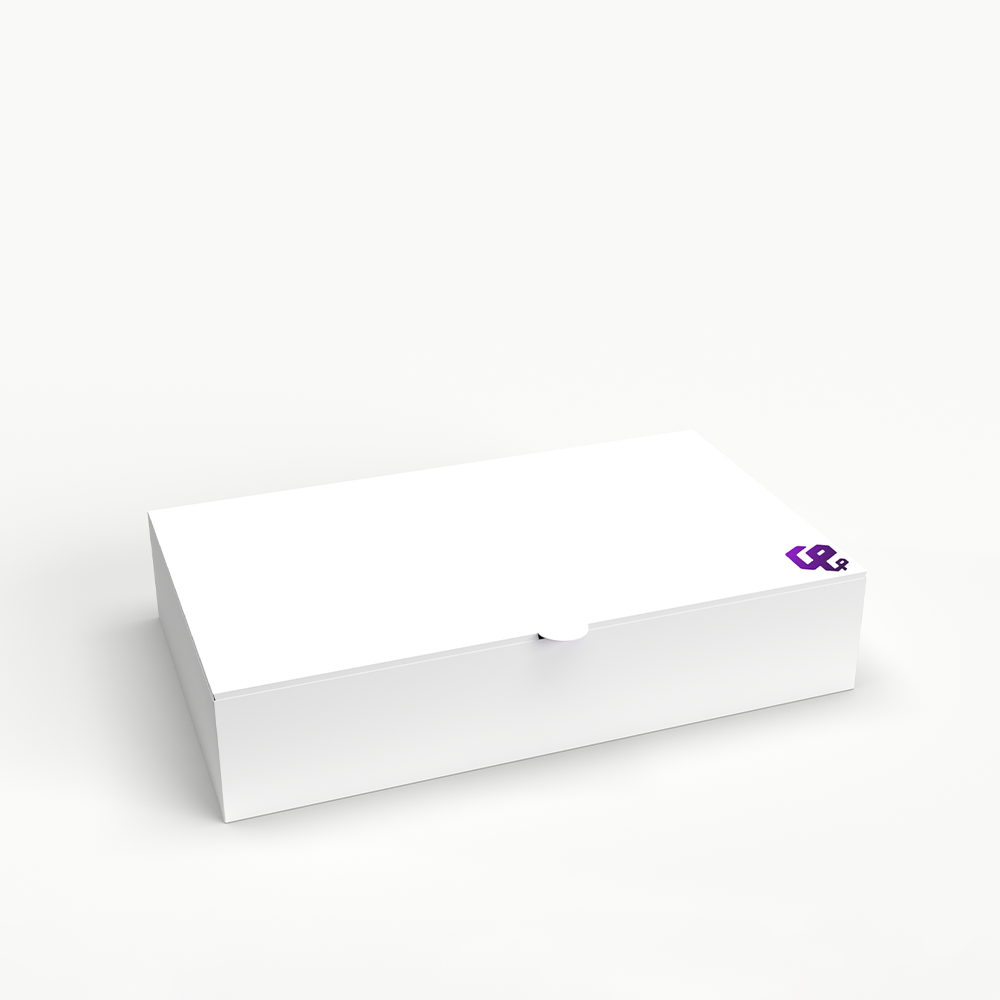
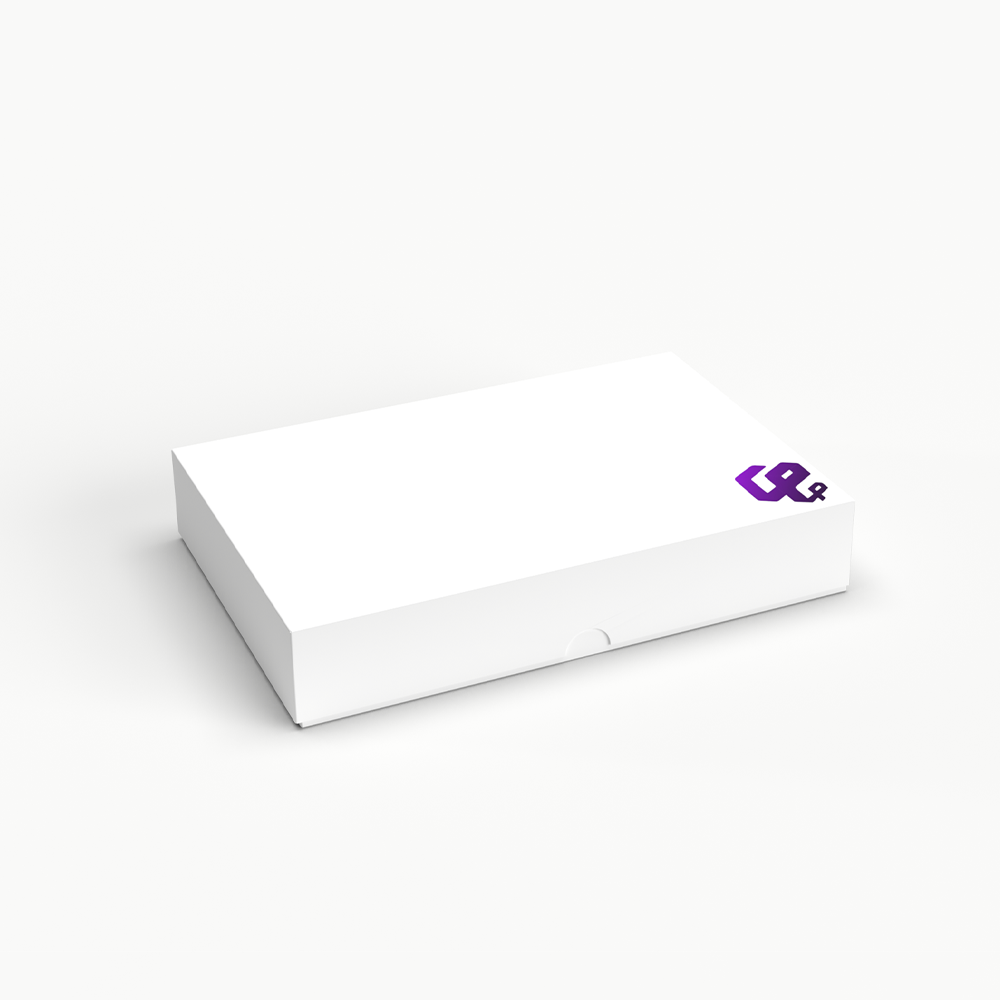
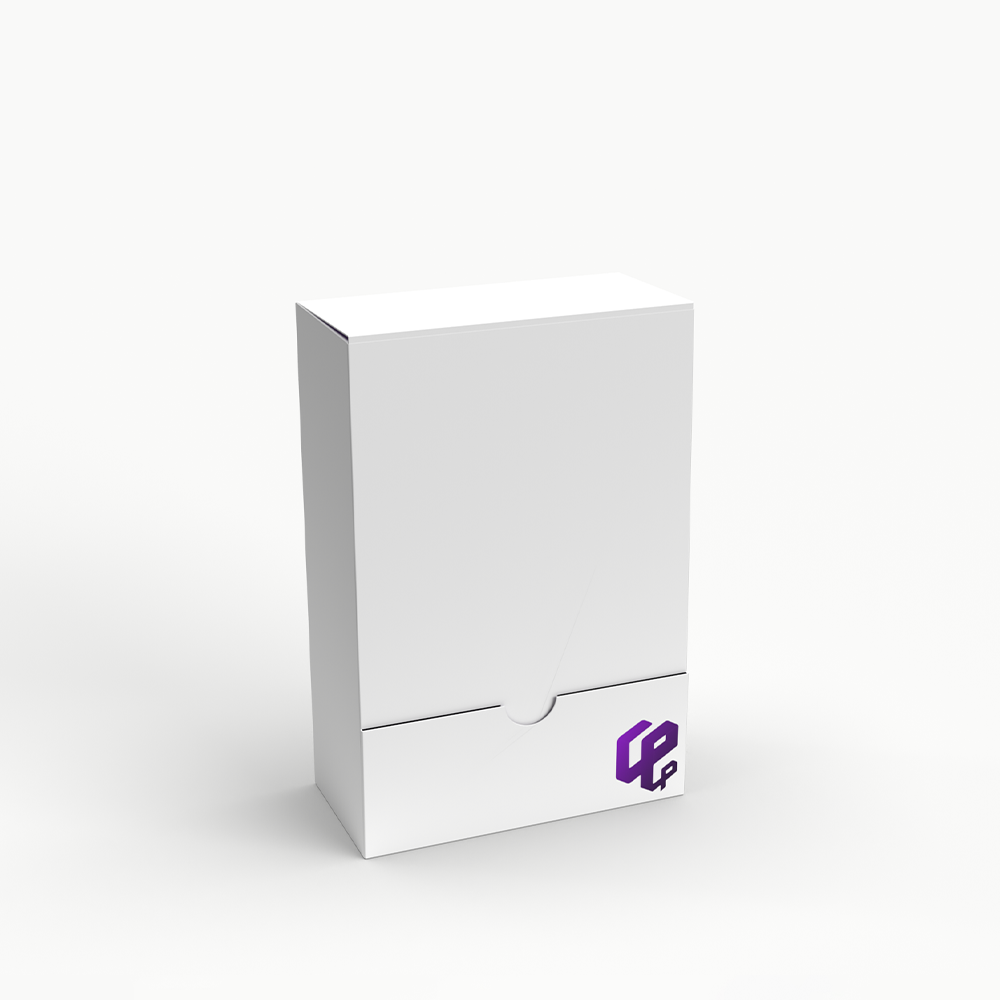
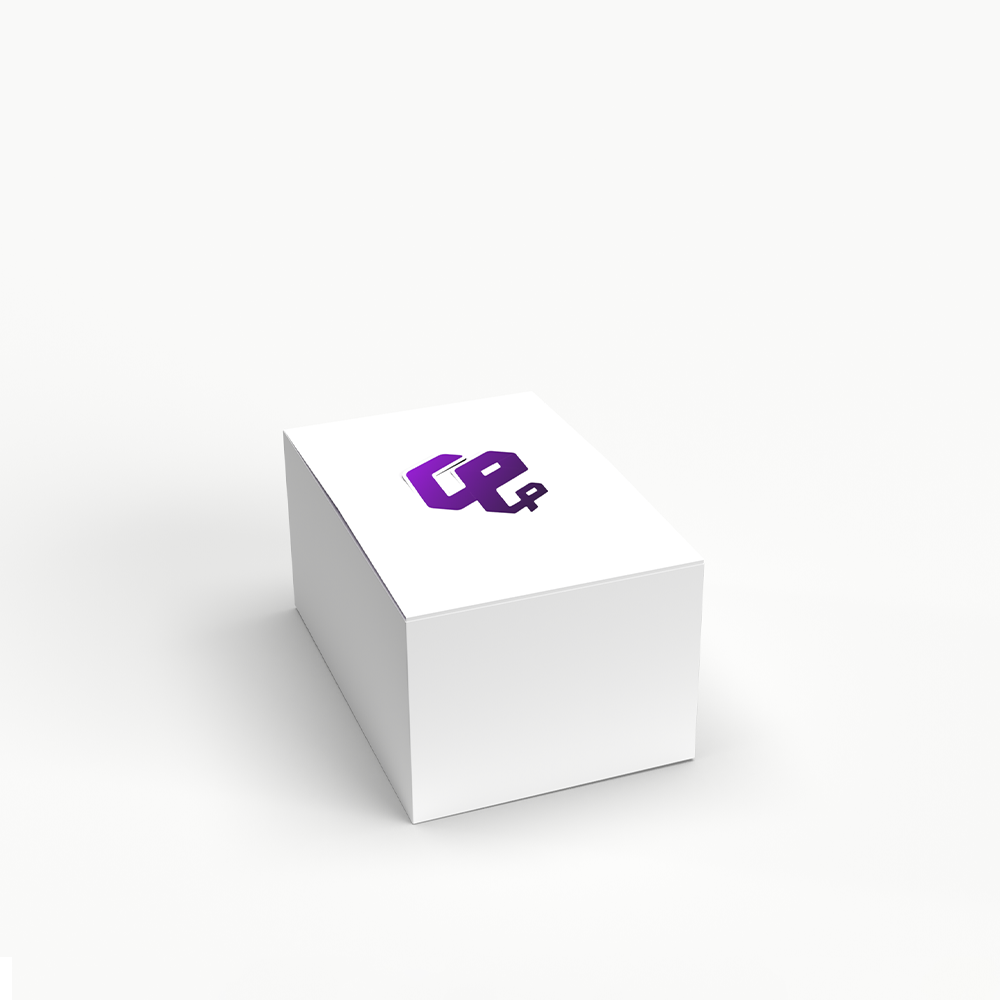
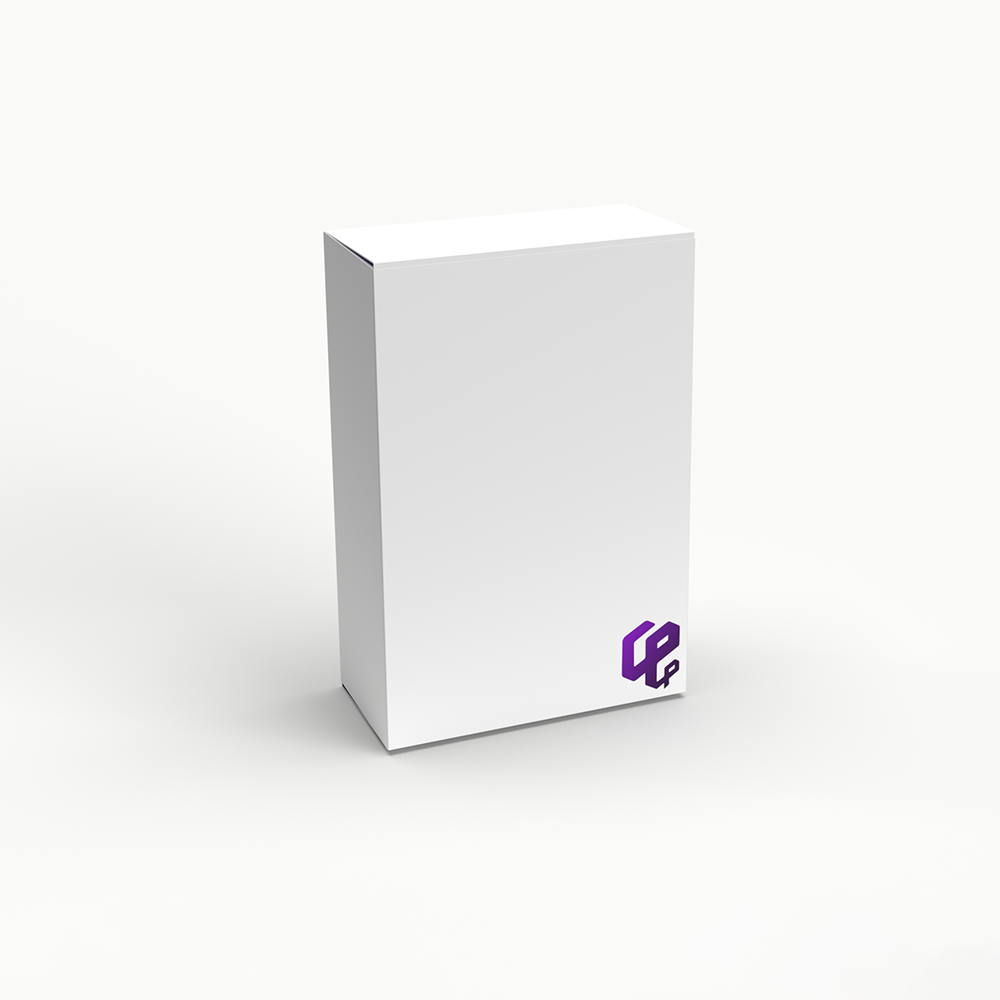
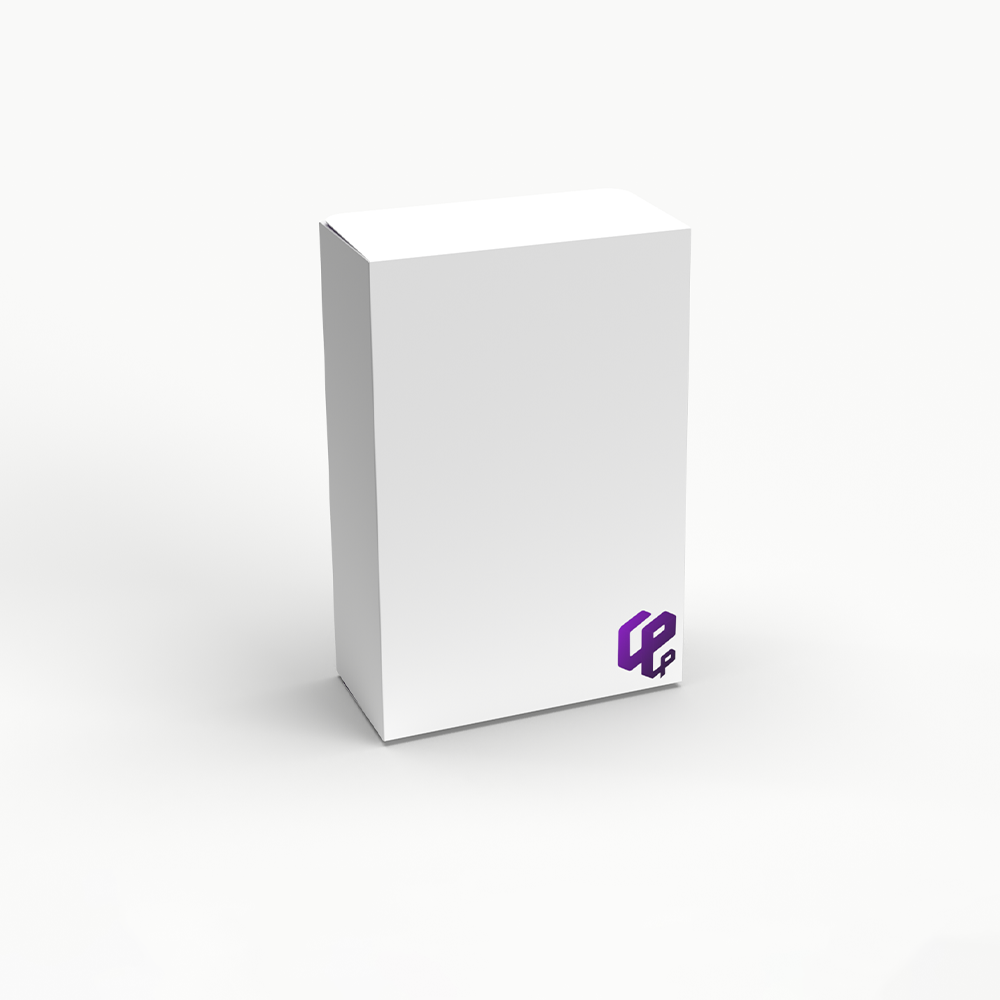
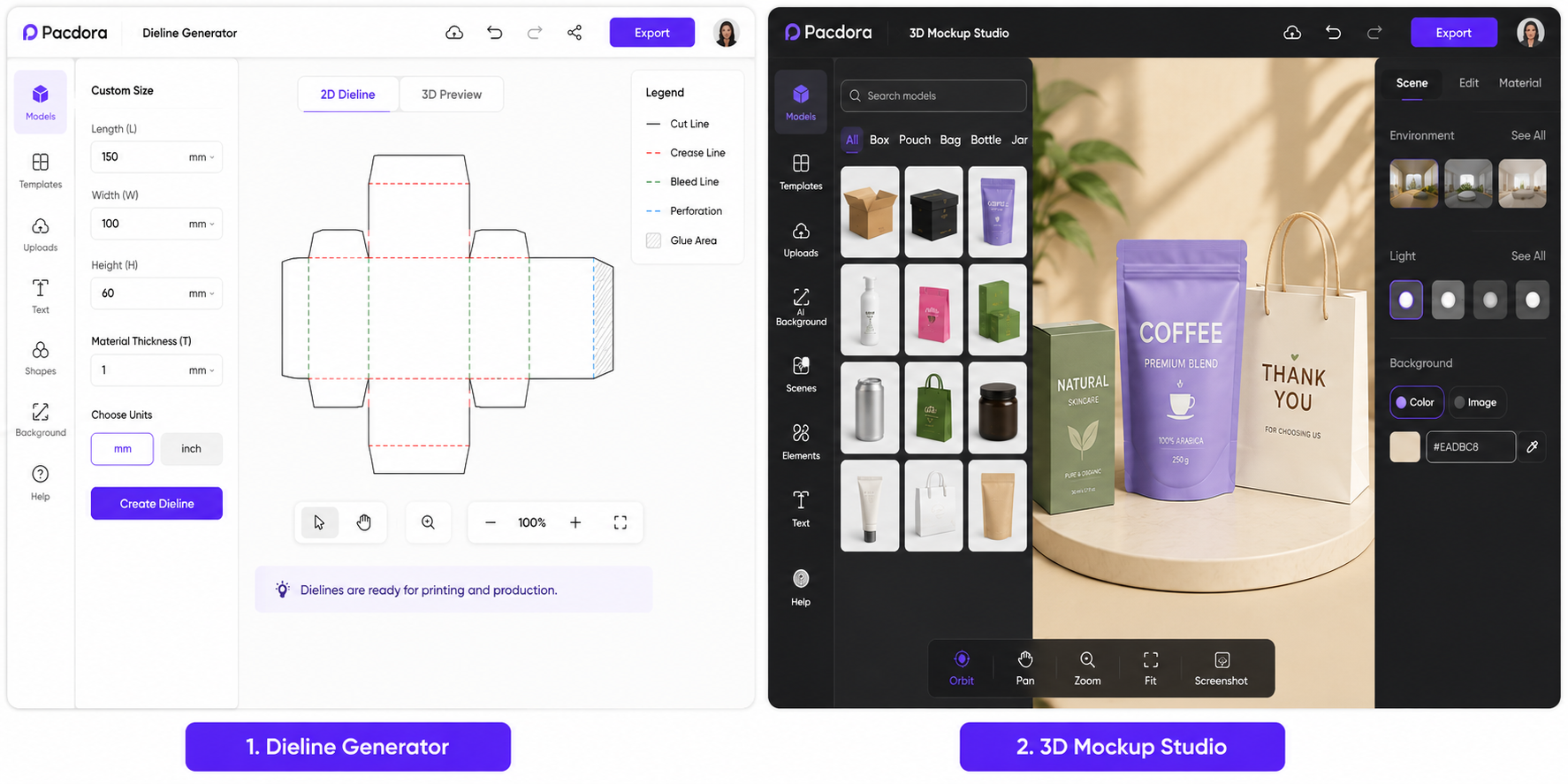
Pacdora is an online platform designed for packaging visualization, mockup creation, and structural packaging design. Instead of building packaging concepts manually through complex software, users can choose packaging templates, upload artwork, and instantly generate realistic 3D previews.
The platform combines several tools into one workflow. Users can create packaging mockups, generate dielines, preview products in three dimensions, and prepare marketing visuals for presentations or ecommerce listings. This makes Pacdora especially useful for businesses that want to evaluate packaging concepts before investing in production.
Unlike traditional design software that often requires extensive training, Pacdora focuses on simplicity. Most projects can be completed directly in a web browser, allowing users to create professional-looking packaging visuals without installing specialized applications.
Why Packaging Brands Use Pacdora
One of the biggest challenges in packaging design is translating flat artwork into a realistic product presentation. A design may look great on a computer screen, but it can appear completely different once applied to a physical box, pouch, or container. Pacdora helps reduce this uncertainty by allowing brands to preview designs before manufacturing begins.
Packaging teams also use Pacdora to speed up client approvals. Instead of sharing static artwork files, they can present realistic 3D visuals that show exactly how the finished packaging will look. This improves communication between designers, clients, and production teams while reducing revision cycles.
For ecommerce businesses, high-quality packaging visuals are valuable marketing assets. Brands can create professional product presentations without arranging expensive photography sessions. This helps businesses launch products faster while maintaining a polished appearance across websites and marketplaces.
While visualization is important, it is only one step in the packaging journey. Once a design is approved, businesses still need reliable production partners to transform those concepts into custom packaging boxes that meet structural, material, and printing requirements.
Main Features of Pacdora
Pacdora offers several tools that help streamline the packaging design process. Instead of relying on multiple software platforms, users can manage much of their workflow within a single environment.
- 3D Packaging Mockup Generator
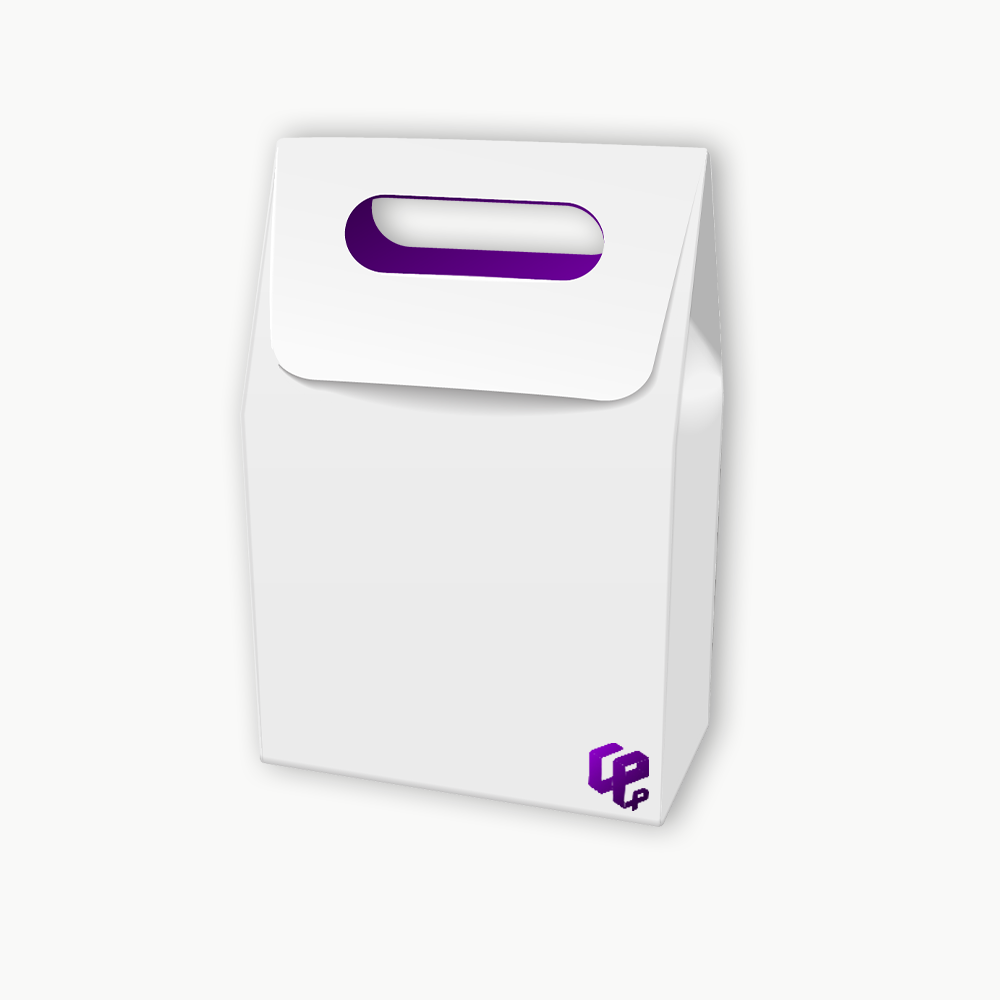
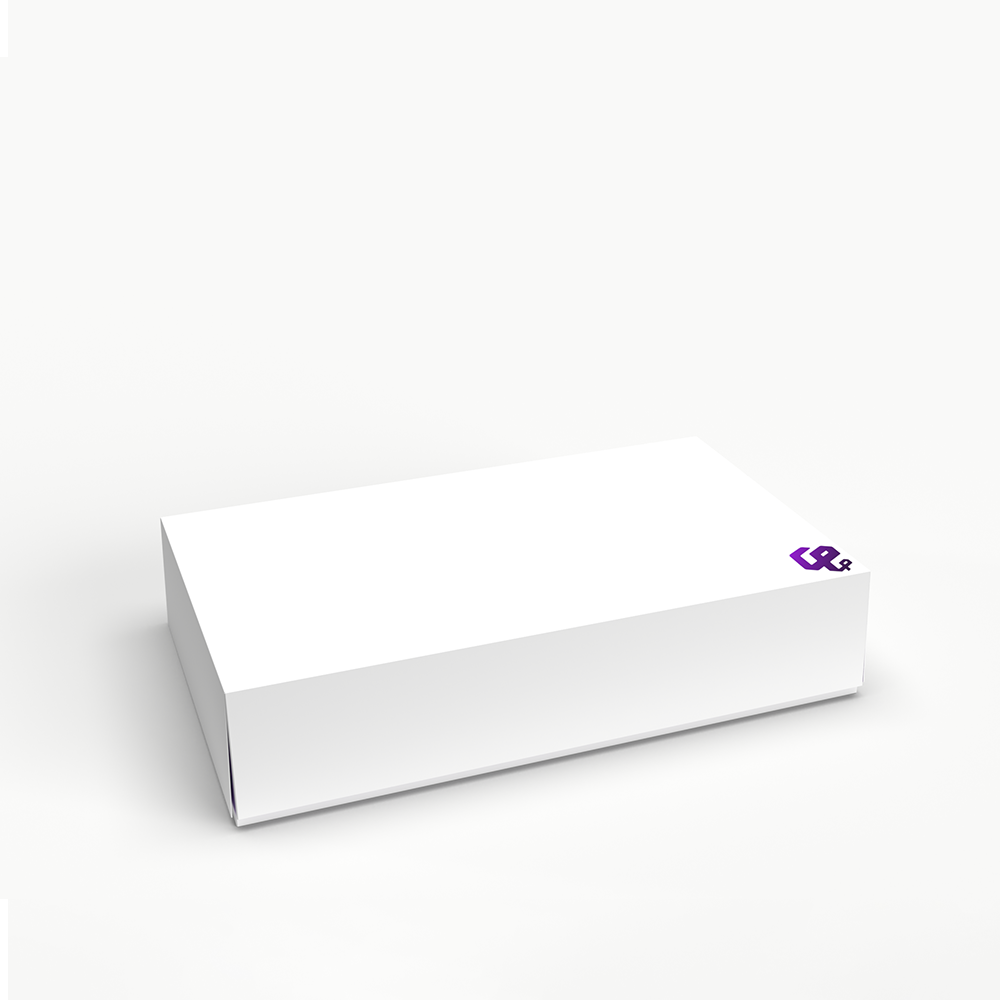
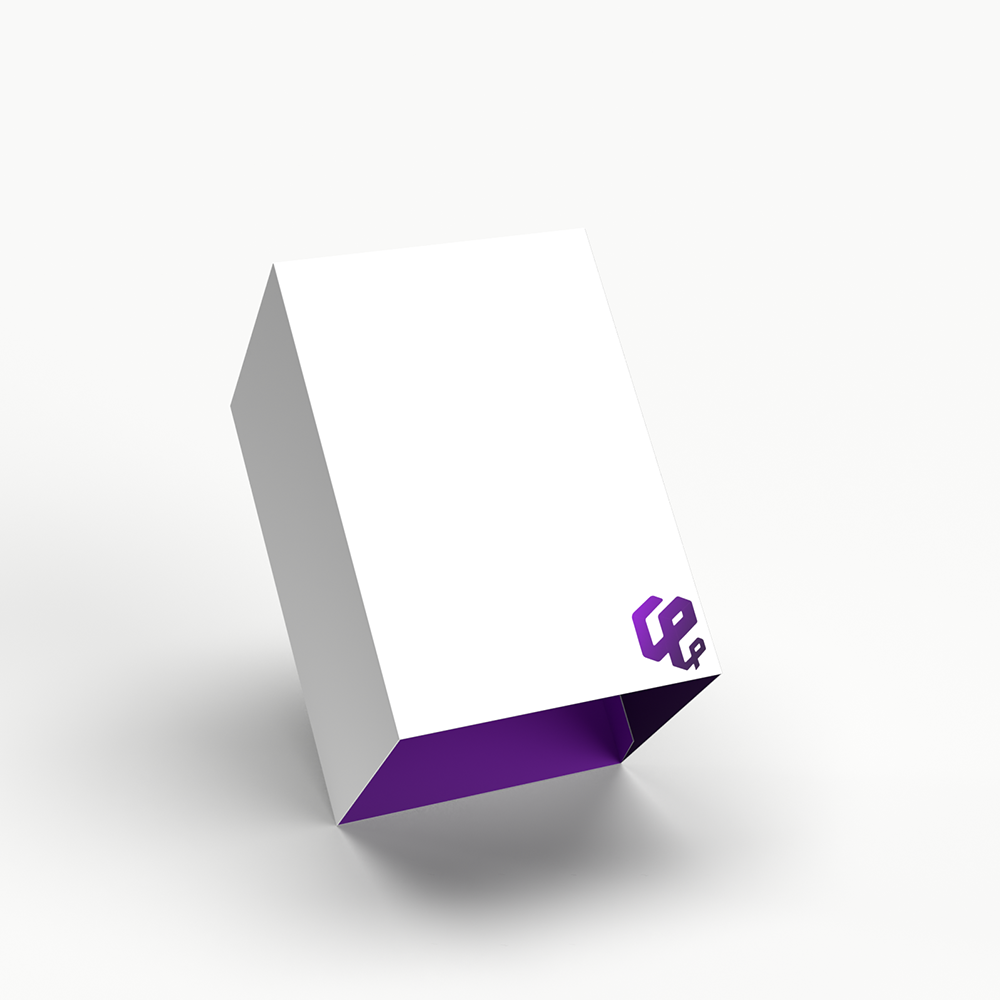
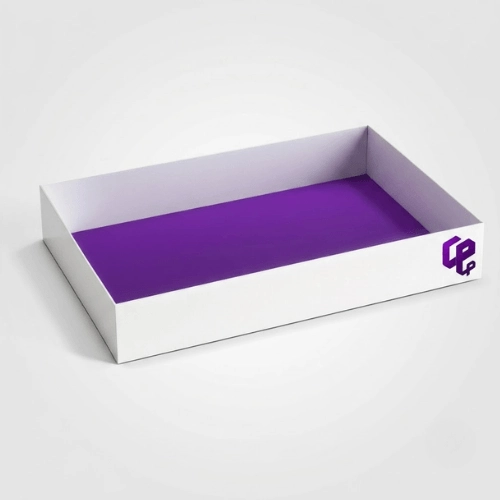
The Pacdora mockup generator allows users to create realistic packaging presentations quickly. By uploading artwork and applying it to packaging templates, users can visualize how their designs will appear on finished products. This feature is especially useful for product launches, client presentations, and ecommerce marketing materials.
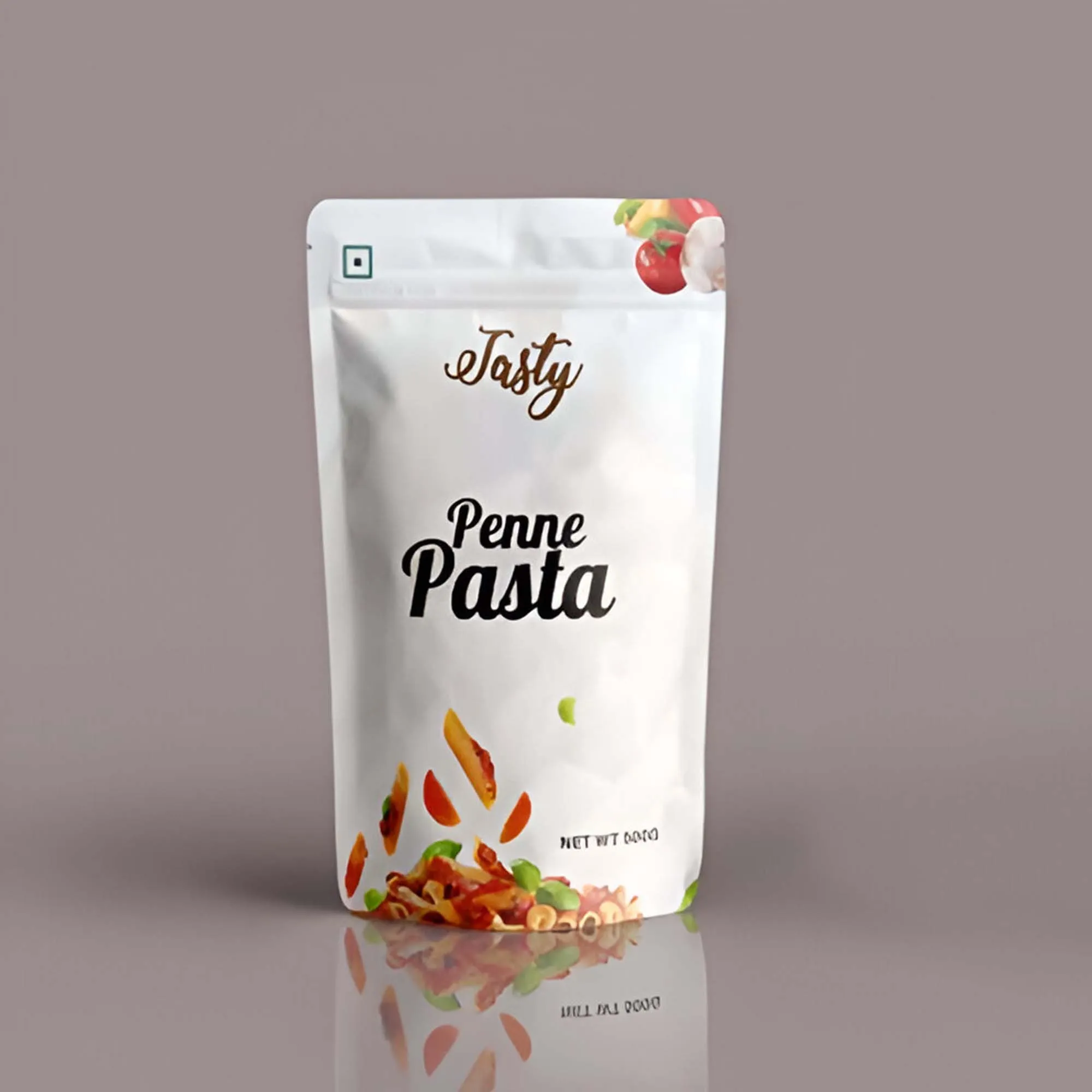
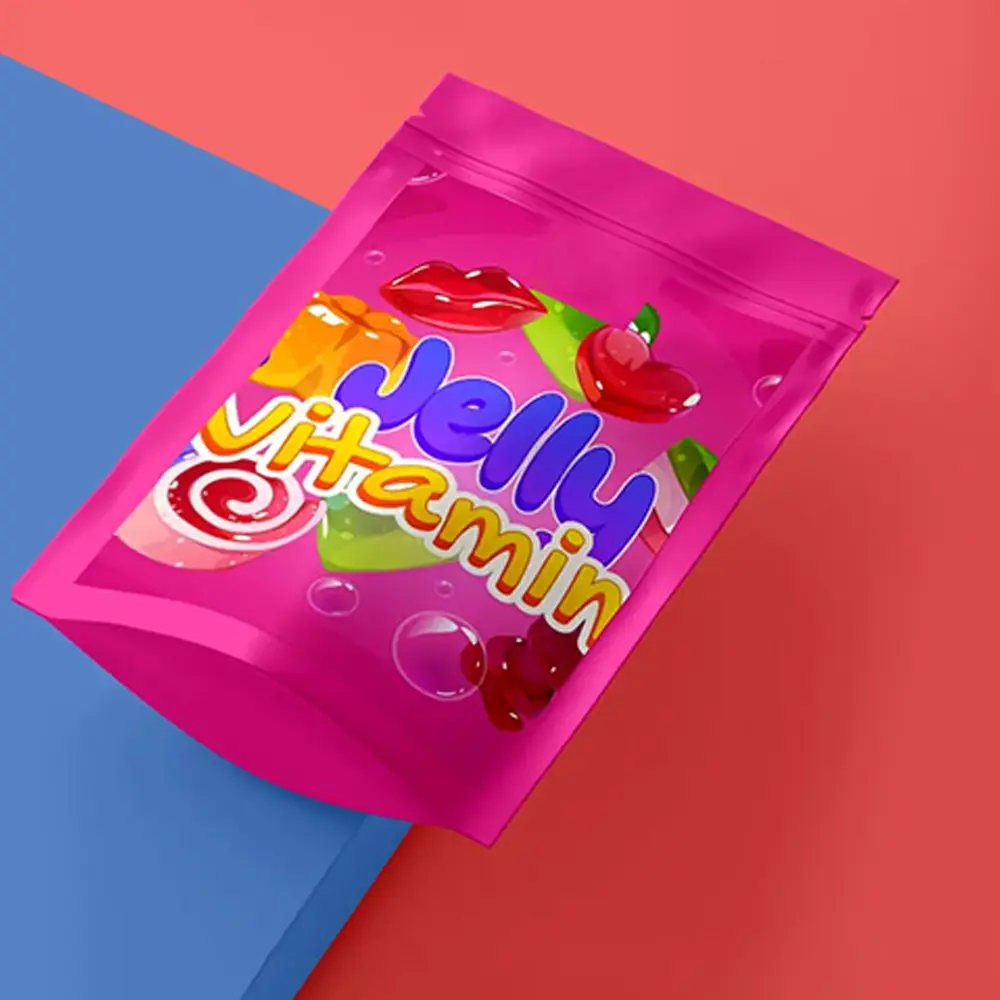
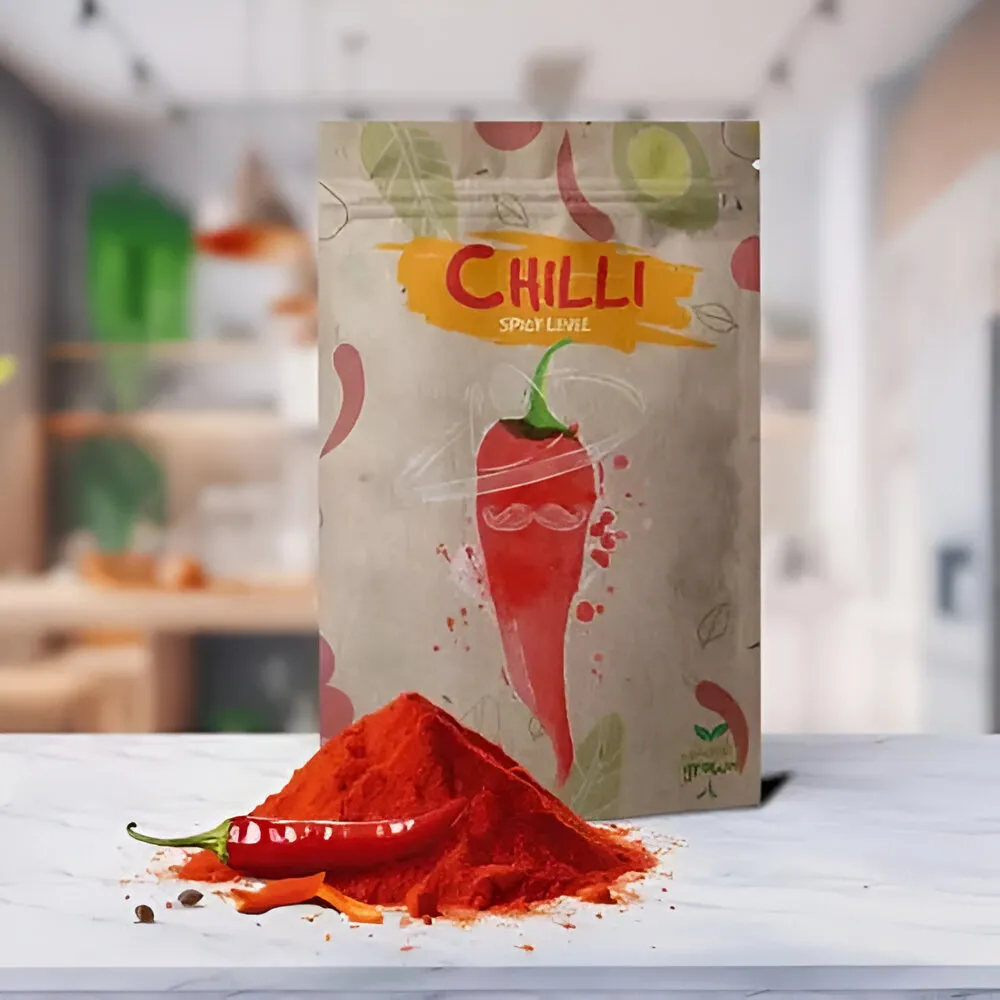
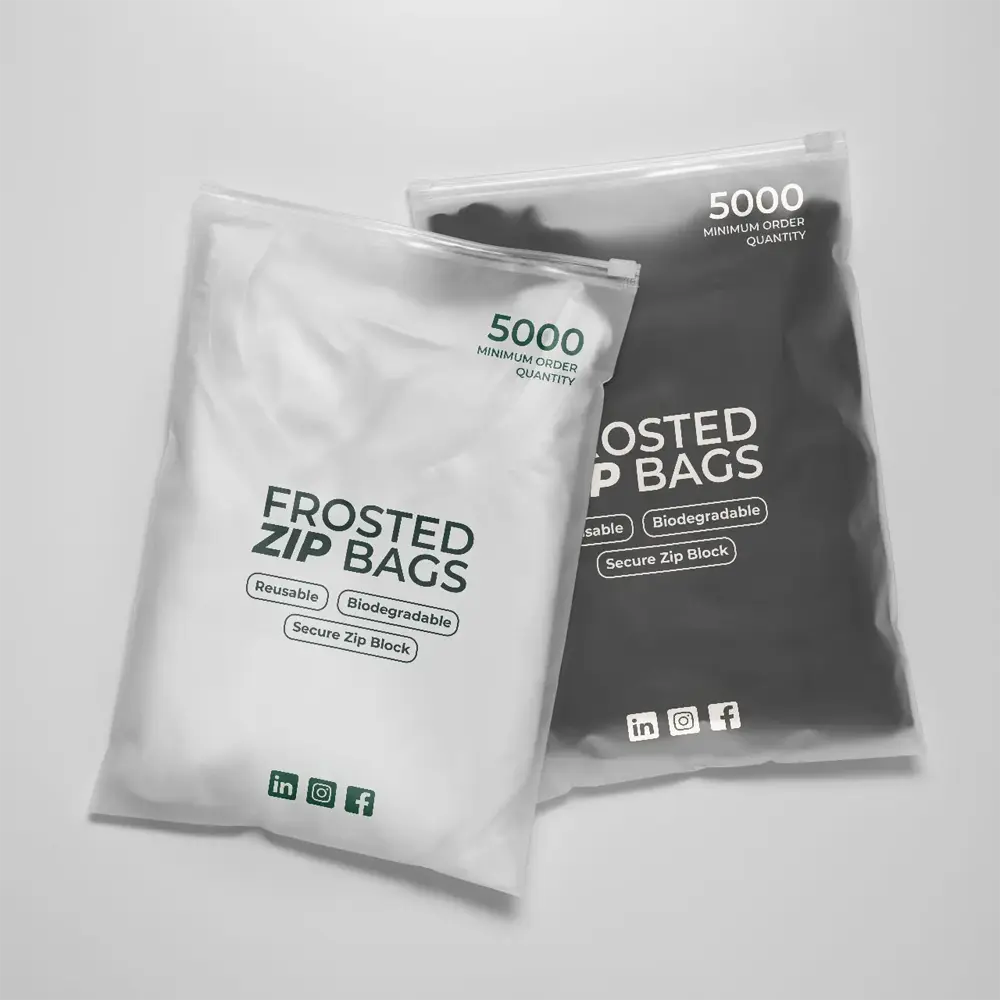
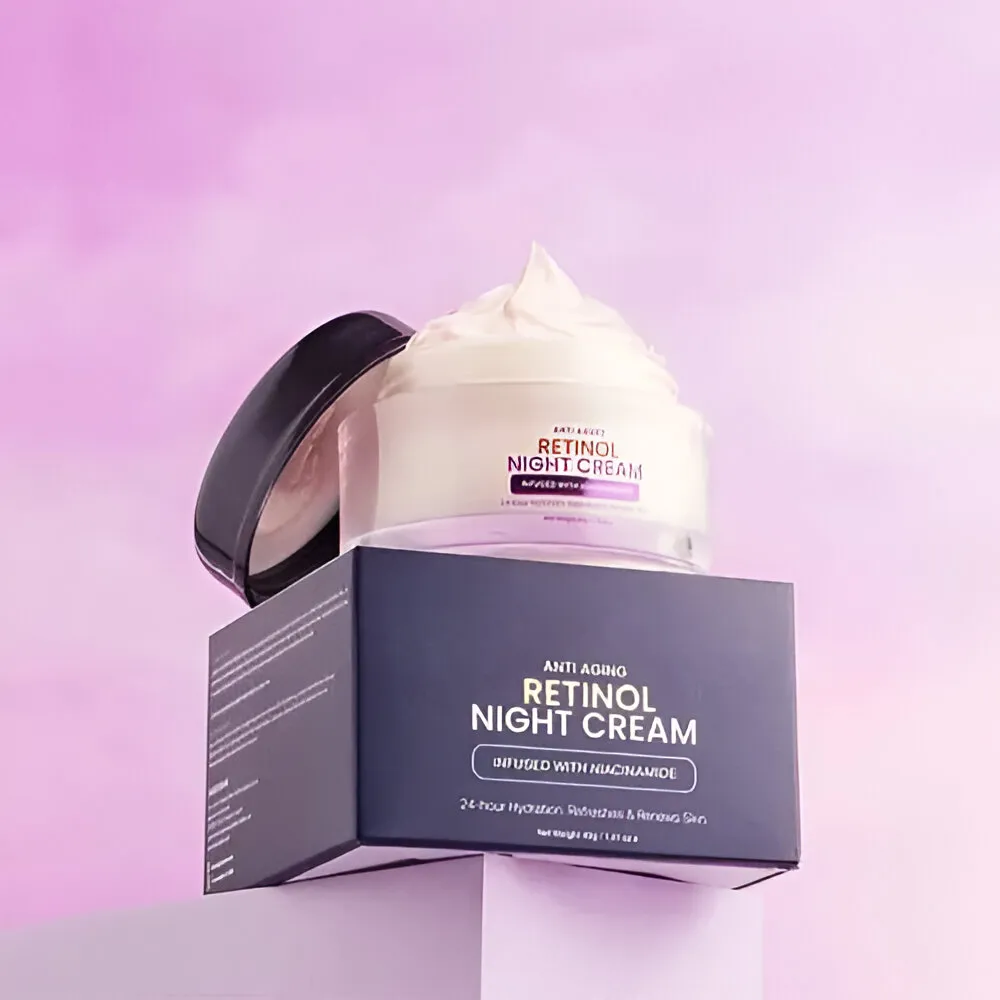
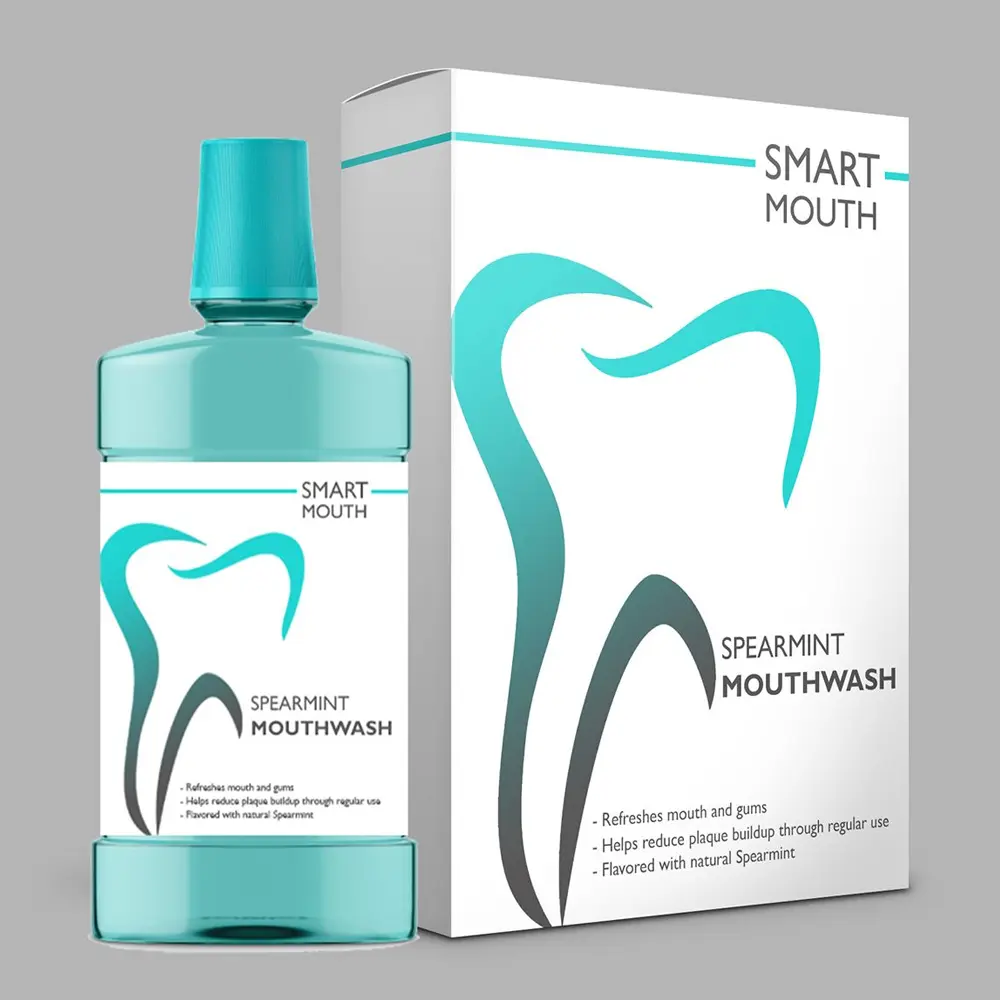
A realistic 3D packaging mockup generator helps businesses communicate ideas more effectively while identifying design issues before production begins. Pacdora also provides access to a large mockup library with thousands of packaging and product mockups, including boxes, bags, bottles, jars, apparel, and other product presentation formats.
- Dieline Template Generator
Creating packaging structures traditionally requires technical design expertise. Pacdora simplifies this process by providing dieline templates that can be customized according to packaging dimensions and requirements. A Pacdora dieline template helps users understand folding lines, cutting lines, and panel placement before sending artwork to production.
This makes collaboration between designers and printers much smoother. Pacdora dielines can be downloaded in common production-friendly formats such as AI, PDF, and DXF, but final files should still be reviewed by a packaging supplier before printing.
- Real-Time 3D Preview
One of the most valuable features of Pacdora is its real-time preview capability. Users can instantly view packaging designs from multiple angles without waiting for renders to process. This immediate feedback allows designers to evaluate layouts, branding elements, typography, and graphics more efficiently. Real-time visualization often reduces costly revisions later in the production process.
- AI Background and Product Scene Creation
Modern product marketing requires more than basic packaging images. Brands need lifestyle visuals, promotional graphics, and engaging product scenes that attract customer attention. Pacdora supports the creation of product environments and presentation scenes that help businesses showcase packaging in realistic contexts. This functionality can improve product presentation across websites, social media campaigns, and online marketplaces.
- Browser-Based Accessibility
Many traditional packaging design tools require software installation, system updates, and significant hardware resources. Pacdora operates primarily through a browser-based workflow, making it accessible to a wider audience. Teams can collaborate more easily because projects can be reviewed and shared without requiring every participant to install specialized software. This accessibility is particularly valuable for startups and growing ecommerce brands.
- Export and Sharing Options
Packaging projects often involve multiple stakeholders. Designers, marketers, clients, and printers all need access to design files and visual previews. Pacdora supports exporting mockups and packaging visuals for presentations, reviews, and production planning. Export flexibility helps streamline communication and ensures that project stakeholders remain aligned throughout the design process.
Pacdora Feature Overview
| Feature |
Pacdora Helps With |
Why It Matters |
| 3D Mockups |
Previewing packaging and product visuals |
Helps brands present ideas before printing |
| Dieline Templates |
Creating cutting and folding layouts |
Supports better communication with printers |
| AI Backgrounds |
Creating product scenes and lifestyle visuals |
Useful for ecommerce and marketing content |
| Export Options |
Sharing packaging designs and visuals |
Makes collaboration easier |
| Real-Time Preview |
Viewing packaging from multiple angles |
Speeds up approvals and revisions |
The Hidden Gap: Why Pacdora Dielines Still Need Manufacturer Review
While Pacdora excels at generating quick 3D previews and DXF/AI files, digital accuracy doesn't always equal physical perfection. When clients send us raw Pacdora exports, our pre-press team frequently catches structural issues that automated software misses:
- Material Thickness (Caliper) Adjustments: Pacdora templates often use standard digital folds. However, E-flute or B-flute corrugated cardboard requires precise scoring allowances based on board thickness to prevent cracking during folding.
- Glue Tab Margins: Automated dielines occasionally miscalculate glue flap clearances for heavy-duty rigid boxes, weakening the structural integrity.
- Color Profile Discrepancies (RGB to CMYK): On-screen 3D renderings use RGB color models, whereas physical printing presses operate on CMYK or Pantone (PMS) inks. Direct exports often look washed out if not color-corrected before pressing.
How to Use Pacdora Step by Step
Getting started with Pacdora is relatively straightforward. Most users can create packaging mockups without extensive technical training.
- Step 1: Select a Packaging Style
Begin by choosing the packaging format that matches your product. This may include folding cartons, mailer boxes, Pouch Bags, bottles, jars, or other packaging structures.
- Step 2: Choose a Dieline Template
Select a dieline structure that aligns with your packaging dimensions and product requirements. This template will serve as the foundation for your design.
- Step 3: Upload Your Artwork
Add logos, product information, branding elements, and graphics to the selected packaging template. Ensure that artwork is positioned correctly within designated panels.
- Step 4: Preview the Design in 3D
Use the platform's 3D visualization tools to examine the packaging from multiple perspectives. Look for alignment issues, spacing concerns, or design inconsistencies.
- Step 5: Refine and Adjust
Make any necessary changes to colors, layouts, graphics, or text placement. Real-time previews make this process significantly faster than traditional design workflows.
- Step 6: Export and Share
Once the design is approved, export the project for presentations, marketing purposes, or packaging production planning. The exported files can then be reviewed by packaging suppliers before manufacturing begins.
Is Pacdora Free?
One of the most common questions users ask is whether Pacdora can be used without purchasing a subscription. Pacdora offers a free plan, along with paid Lite, Pro, and Business plans for users who need more advanced features, export options, and commercial usage rights.
For many users, the free version provides an opportunity to explore the platform, test packaging concepts, and understand the workflow before committing to a paid plan. This makes it useful for startups, small businesses, and designers who want to evaluate whether Pacdora fits their packaging design needs.
At the time of writing, Pacdora pricing is available in both monthly and yearly billing options:
Monthly billing:
Free Plan – $0
Lite Plan – $14 per month
Pro Plan – $29 per seat per month
Business Plan – $99 per seat per month
Yearly billing:
Free Plan – $0
Lite Plan – $9 per month, billed at $108 annually
Pro Plan – $17 per seat per month, billed at $199 annually
Business Plan – $59 per seat per month, billed at $708 annually
Paid plans may include benefits such as watermark removal, higher-resolution exports, faster rendering, advanced dieline features, AI credits, commercial usage rights, and business-level options. Because pricing and plan features can change over time, users should always review the official Pacdora pricing page before choosing a plan.
Pacdora Pros and Cons
| Pros |
Cons |
| Easy to use for beginners |
Some advanced features may require a paid plan |
| Browser-based platform with no complex setup |
Not a complete replacement for professional packaging engineering |
| Fast 3D packaging visualization |
Final print files still need review before production |
| Helpful dieline templates and packaging structures |
Material selection cannot be fully evaluated digitally |
| Useful for client presentations and ecommerce images |
Mockup colors may differ from final printed colors |
| Speeds up design approvals |
Large-scale packaging projects may still require expert assistance |
One of Pacdora's biggest advantages is accessibility. Small businesses and startups can create professional-looking packaging presentations without investing heavily in software or design training. This lowers the barrier to entry for brands that want to improve their packaging presentation.
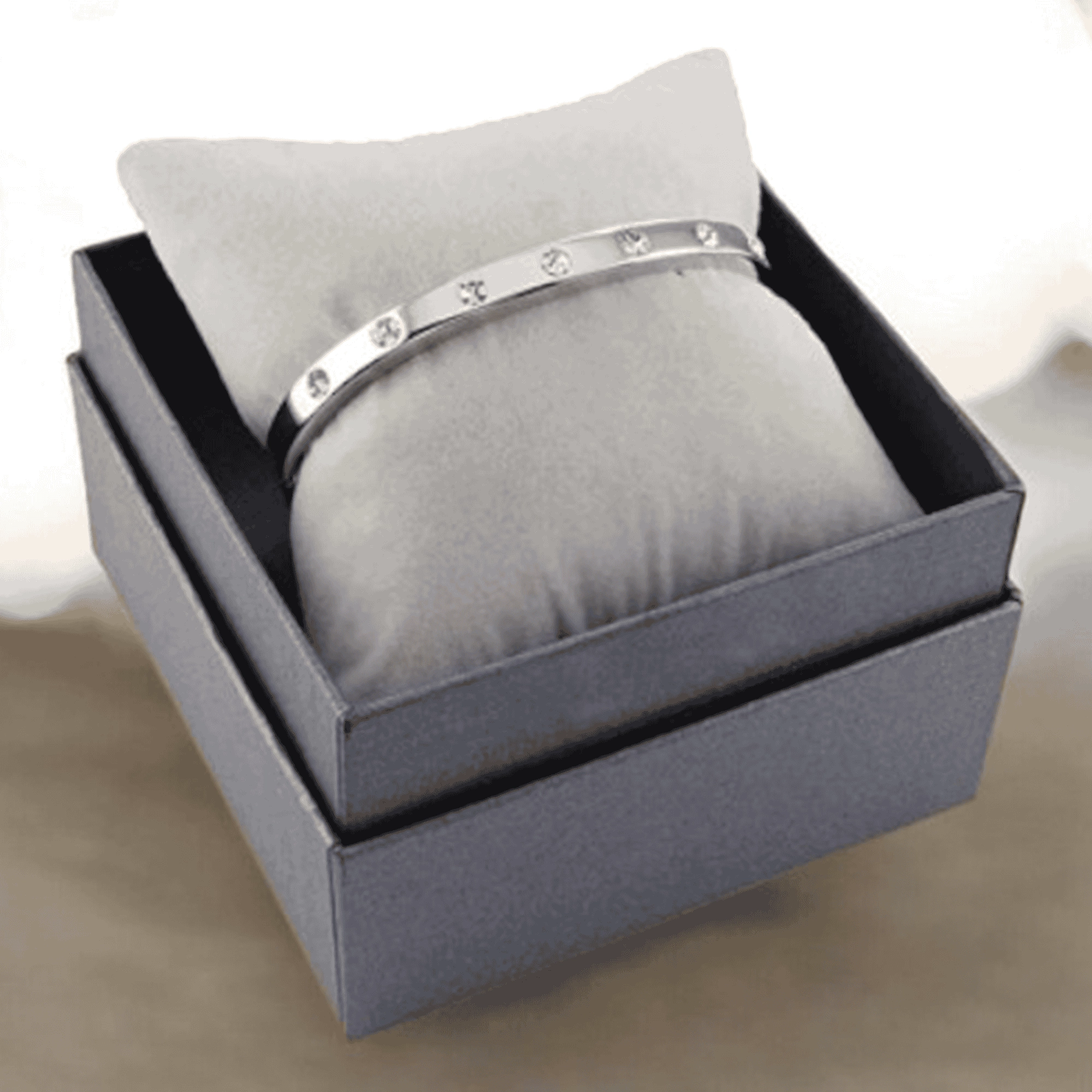
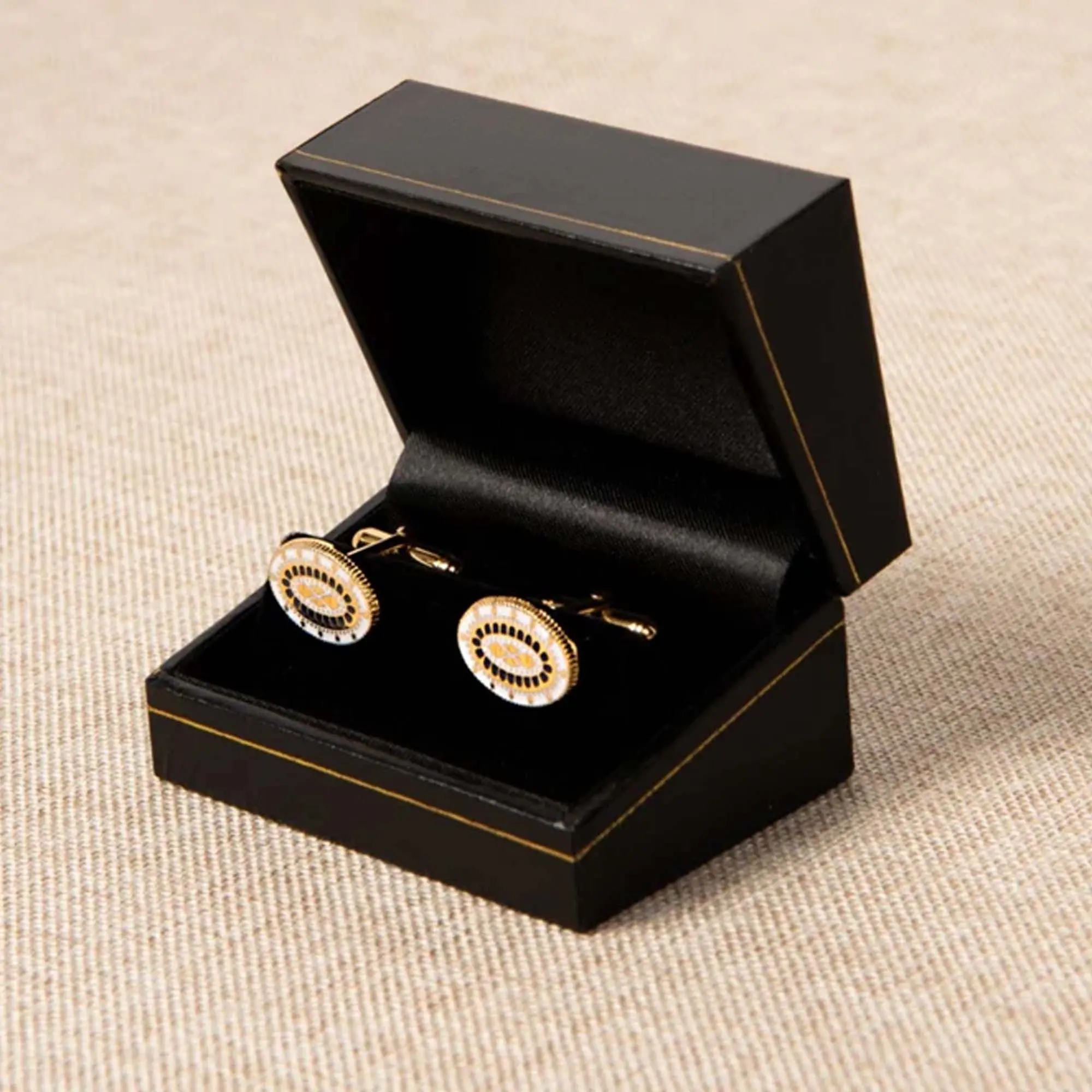
Premium brands can also use these mockups to plan Custom Rigid Boxes before moving into final production. However, users should remember that a digital mockup is only a visual representation. Successful packaging production still requires proper material selection, print preparation, structural testing, and quality control. Pacdora can simplify the design stage, but manufacturing expertise remains essential for commercial packaging projects.
Pacdora vs Traditional Packaging Design
Many businesses wonder whether Pacdora can completely replace traditional packaging design workflows. The answer depends on the complexity of the project and the level of technical expertise required. Traditional design methods often involve software such as Adobe Illustrator, manually created dielines, and extensive collaboration between designers and packaging engineers. While these methods provide greater customization and control, they also require more experience and time.
Pacdora focuses on speed and simplicity. It allows users to create packaging concepts, previews, and mockups much faster than traditional methods. For many projects, this can significantly improve efficiency during the planning phase.
| Option |
Best For |
Limitation |
| Pacdora |
Fast mockups, previews, and packaging concepts |
Not a complete replacement for production expertise |
| Adobe Illustrator & Manual Dielines |
Technical packaging artwork |
Requires advanced design knowledge |
| Professional Graphic Designers |
Custom branding and creative development |
Higher cost and longer turnaround |
| Packaging Suppliers |
Material selection, printing, finishing, bulk production |
Require approved artwork and specifications |
The most effective approach often combines both methods. Brands can use Pacdora for visualization and concept development, then work with packaging experts to prepare production-ready packaging solutions.
Best Industries and Packaging Types for Pacdora
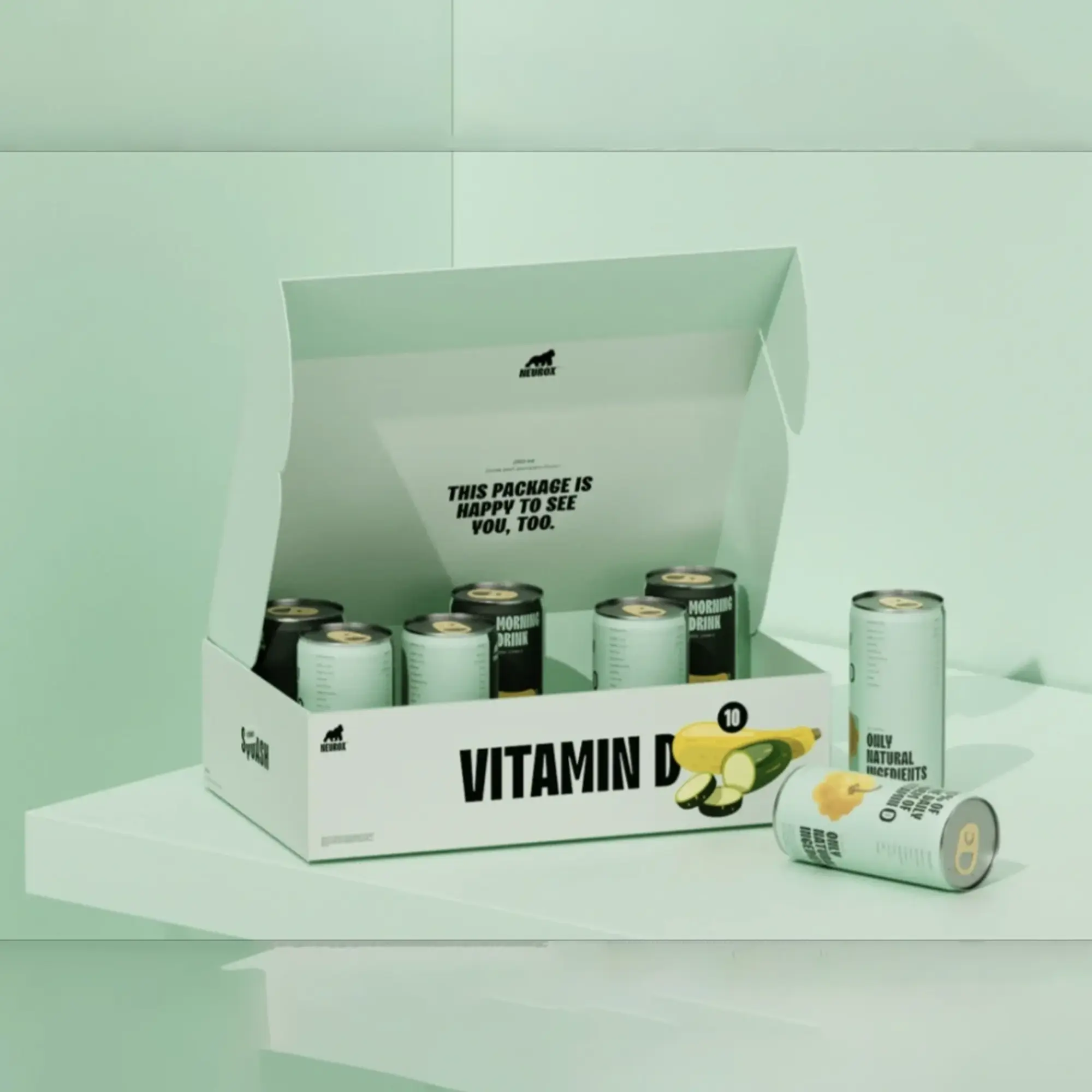
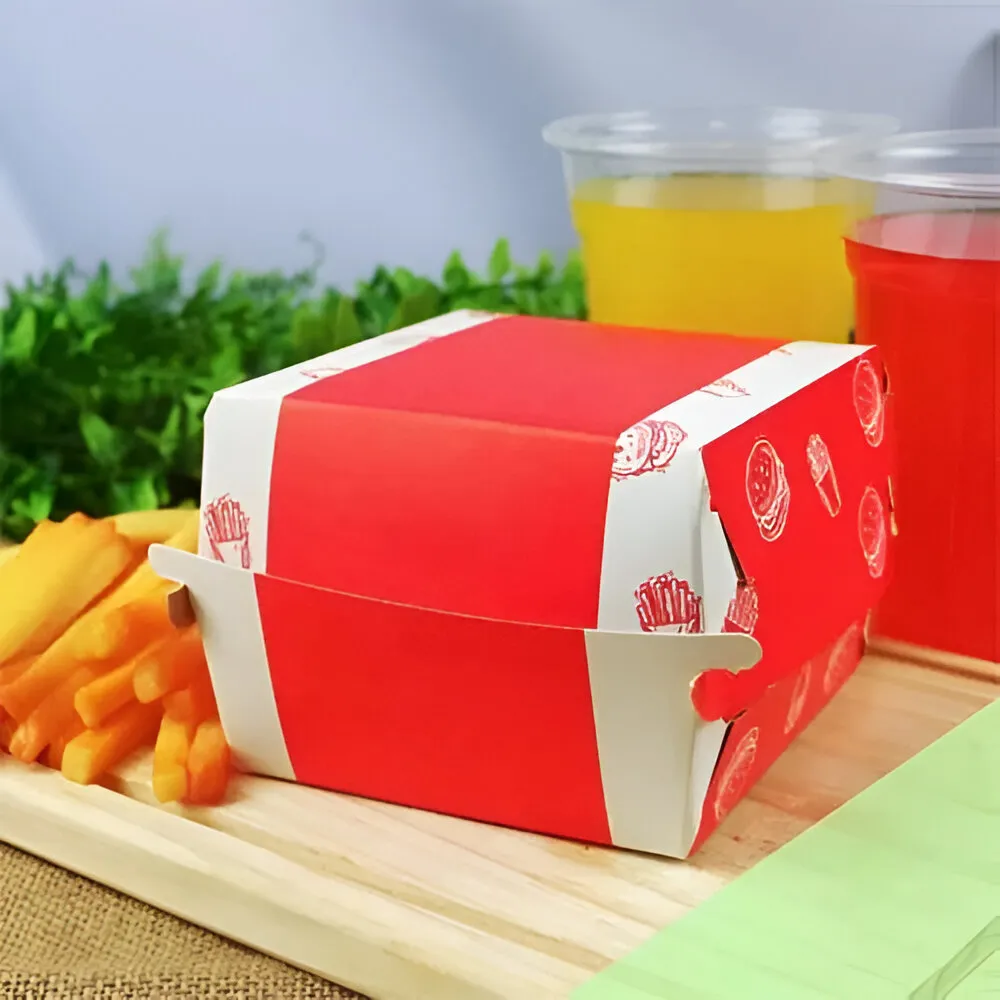
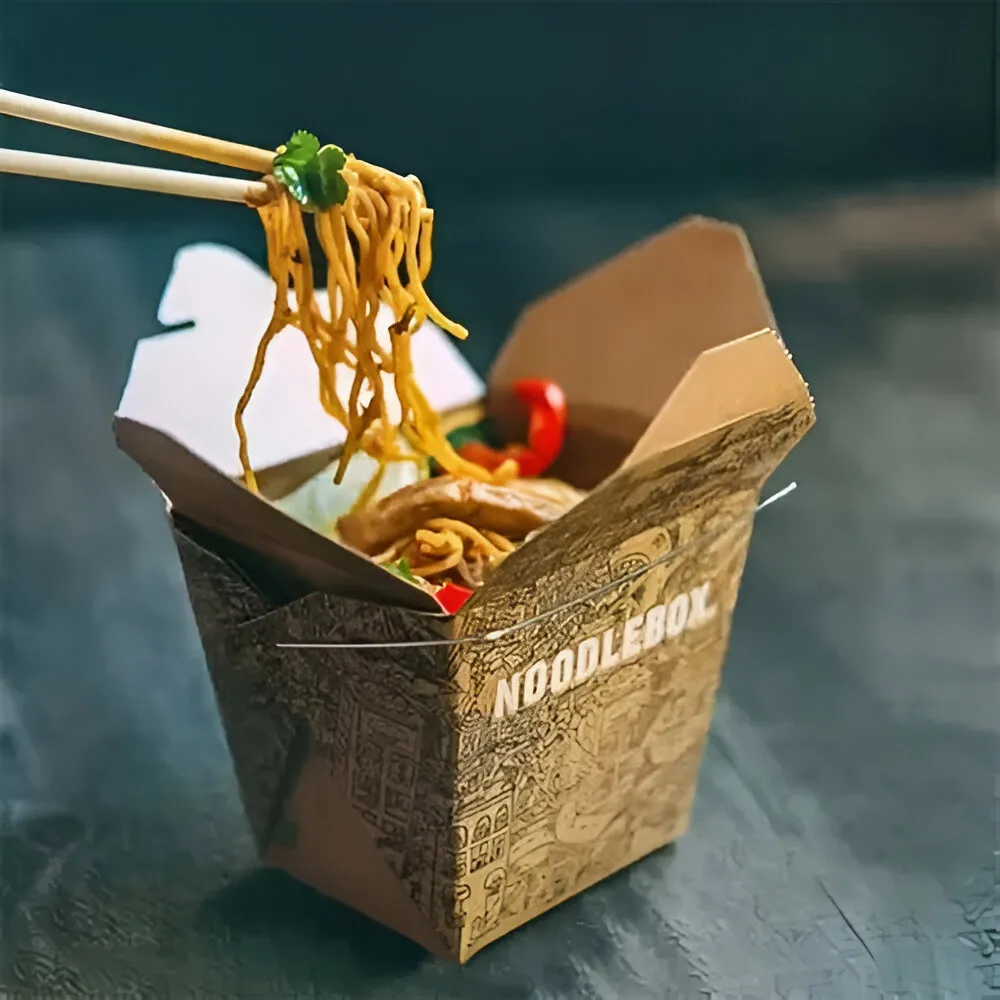
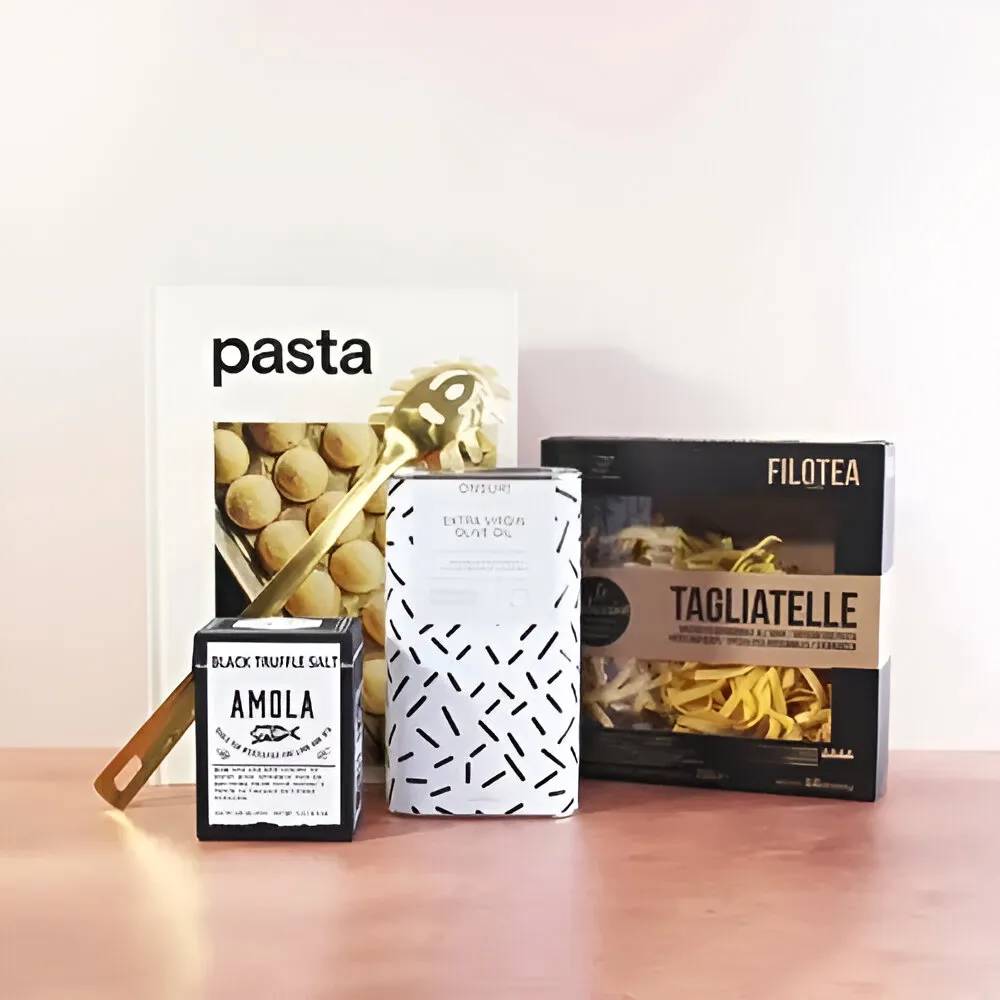
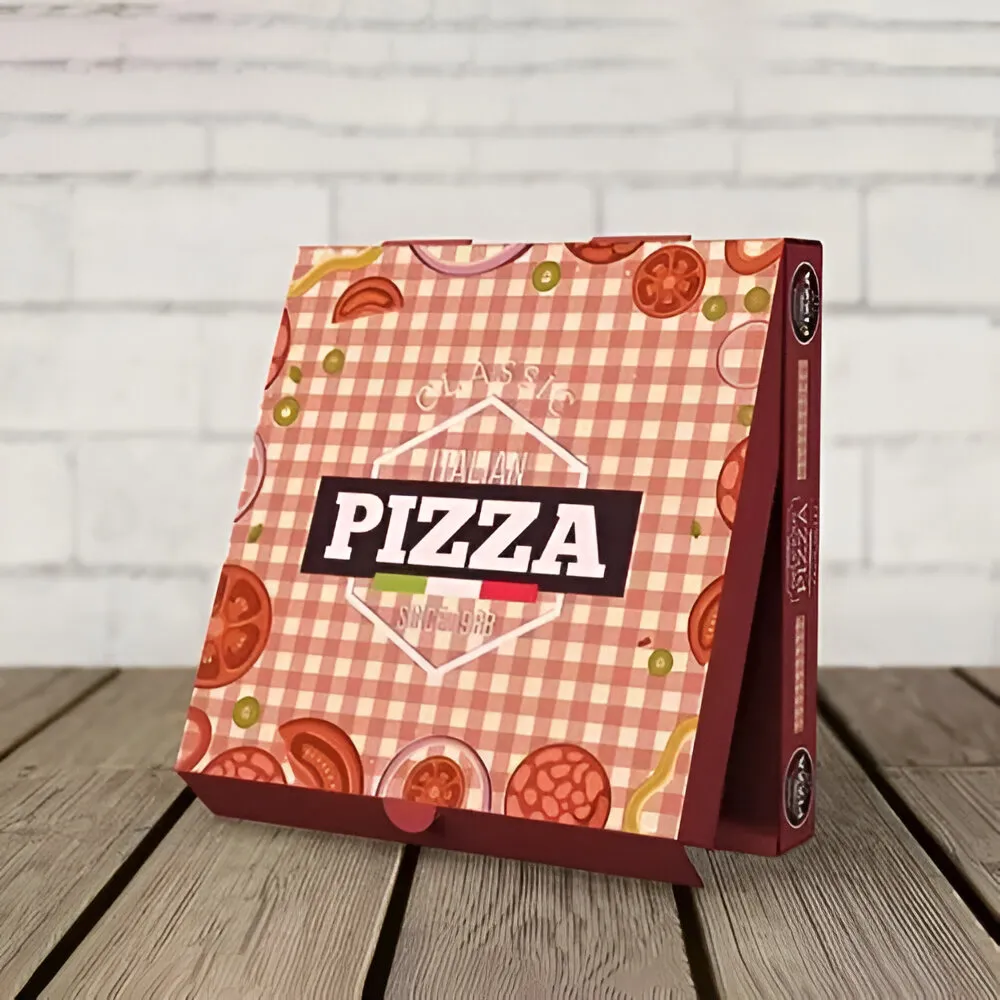
Pacdora supports a wide range of industries and packaging formats. This flexibility makes it valuable for both emerging businesses and established brands. Food brands frequently use packaging mockups to visualize product launches and retail packaging concepts. Whether designing food packaging boxes, snack cartons, beverage packaging, or specialty gift packaging, realistic previews help improve presentation and communication.
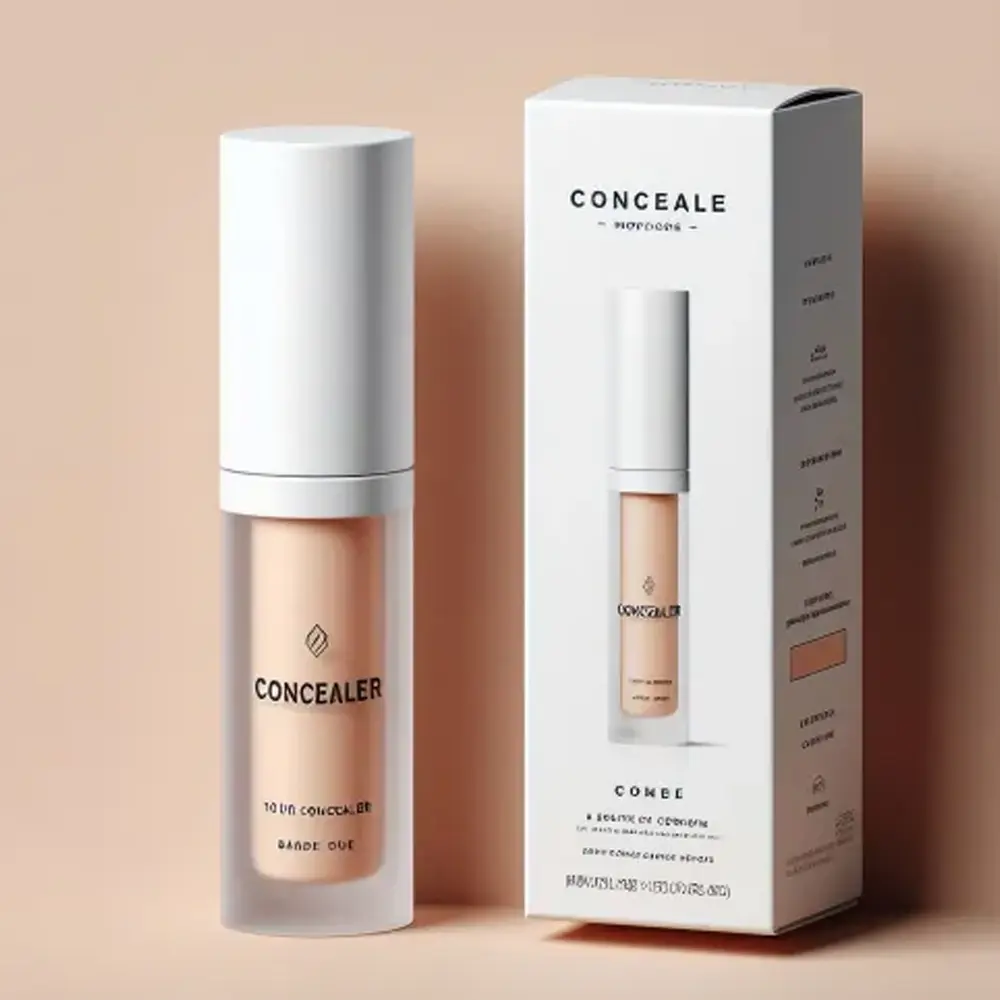
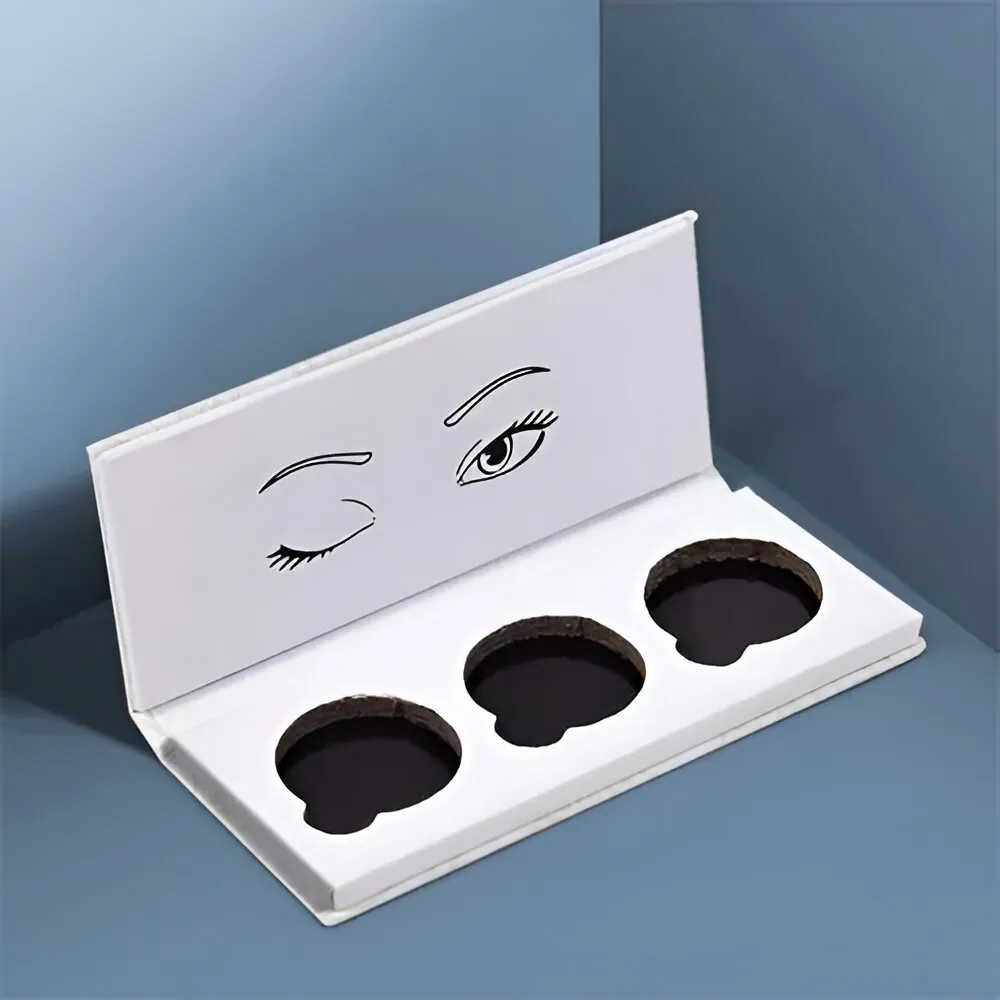
The cosmetics industry also benefits from packaging visualization. Cosmetic boxes often require premium branding elements, precise layouts, and luxury presentation features. Seeing these details in a 3D environment allows brands to refine packaging before production begins. CBD brands, supplement companies, apparel businesses, and ecommerce sellers can also benefit from Pacdora.
Common packaging applications include:
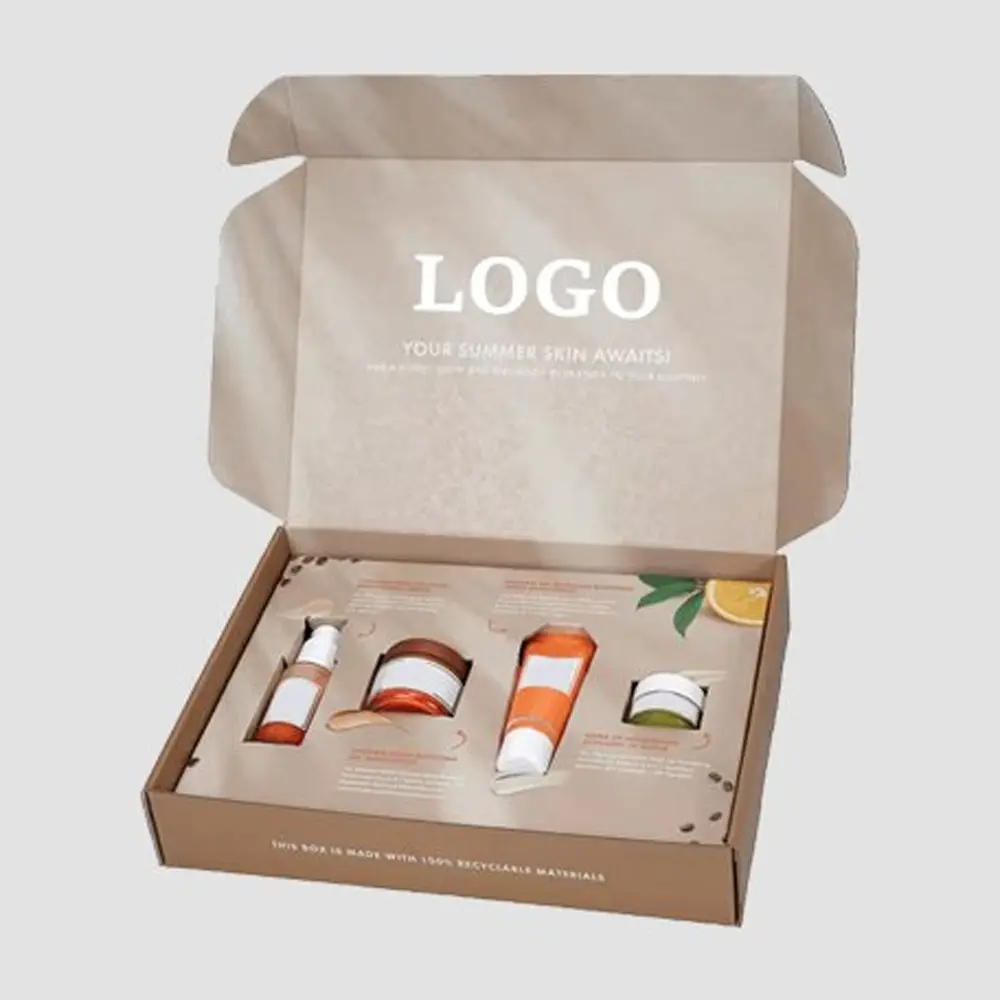
- Mailer boxes
- Retail boxes
- Product cartons
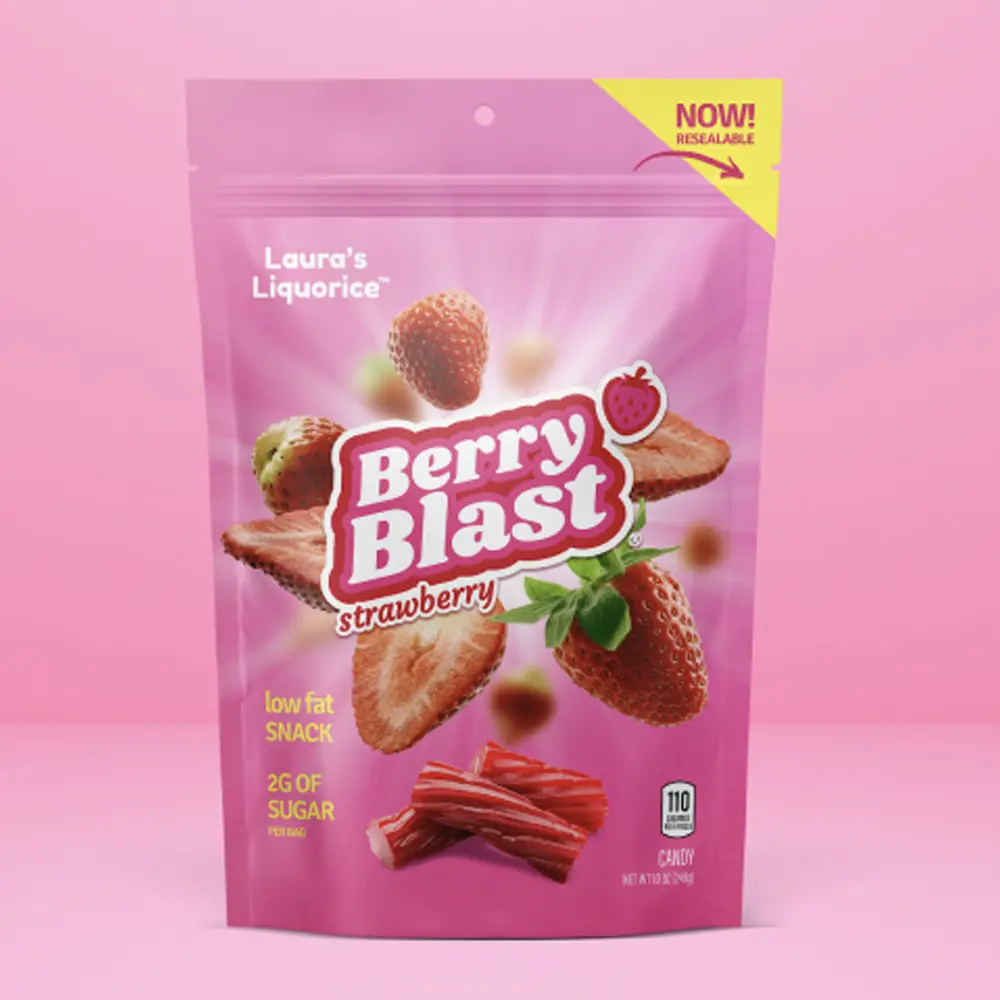
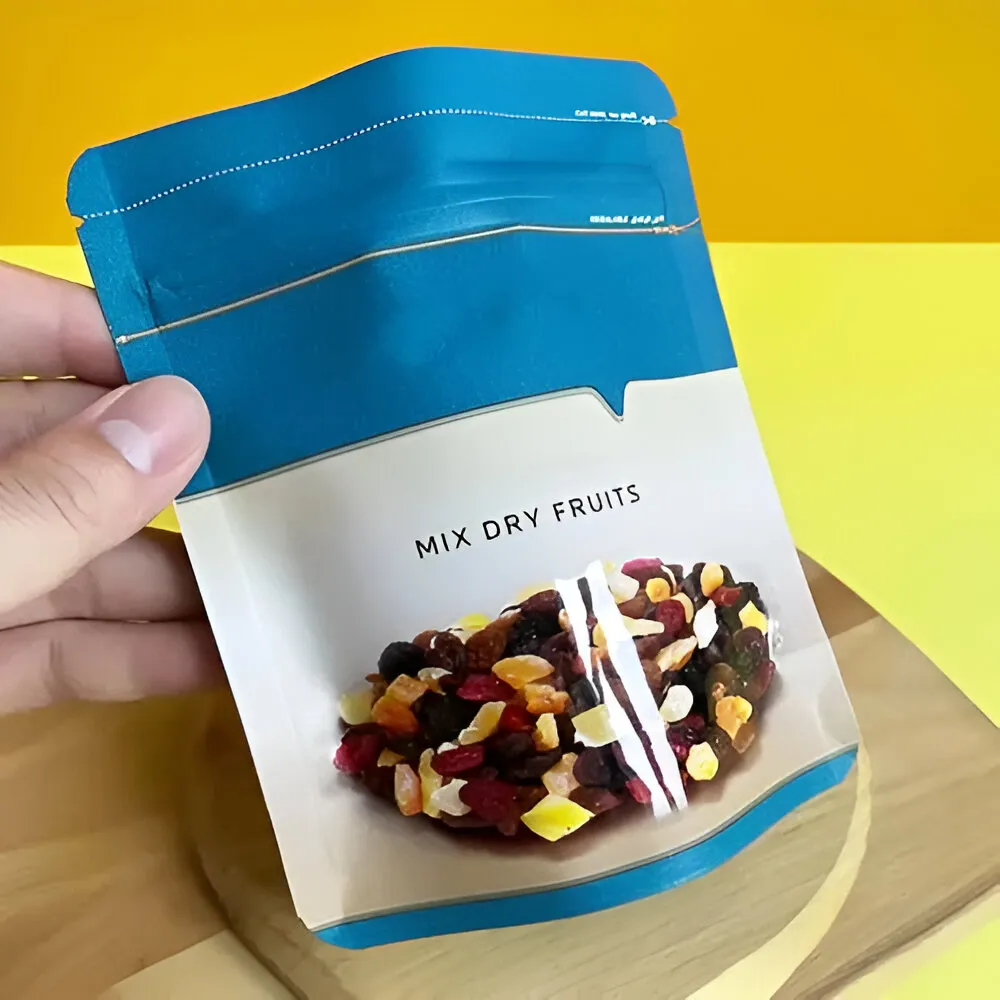
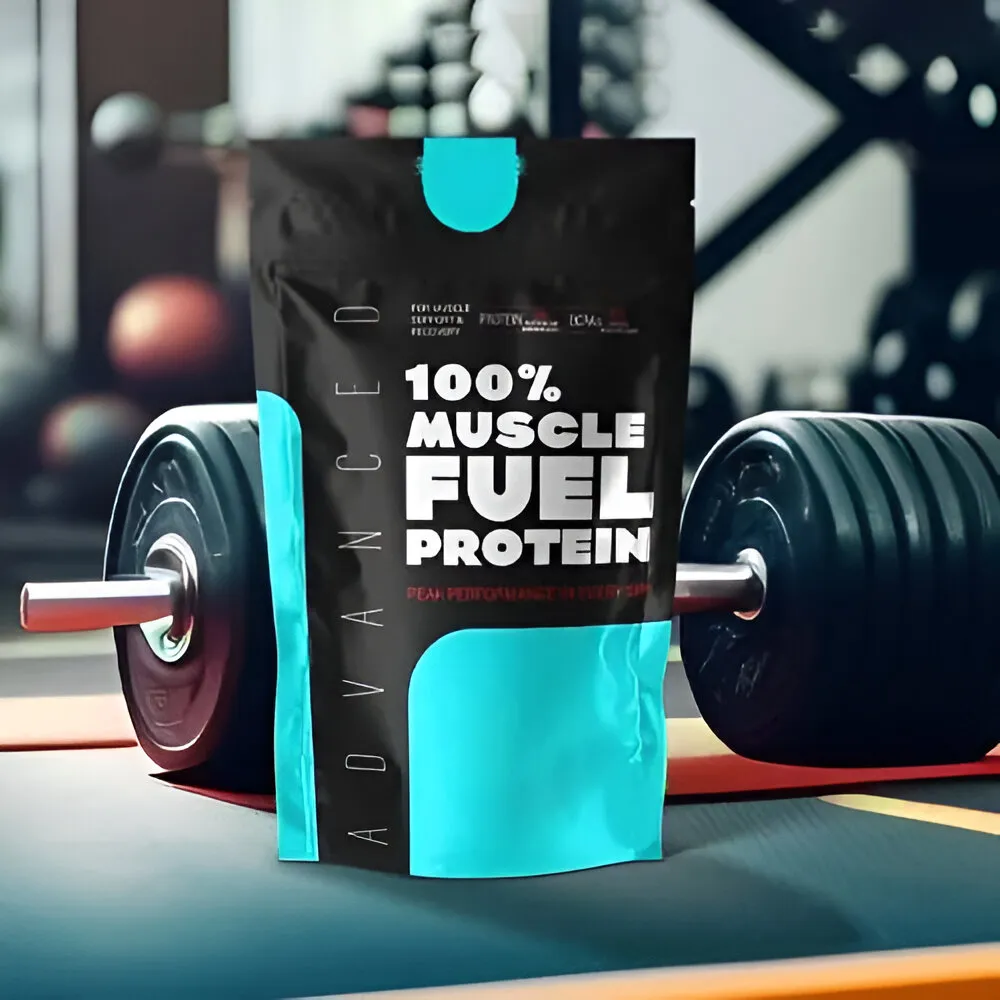
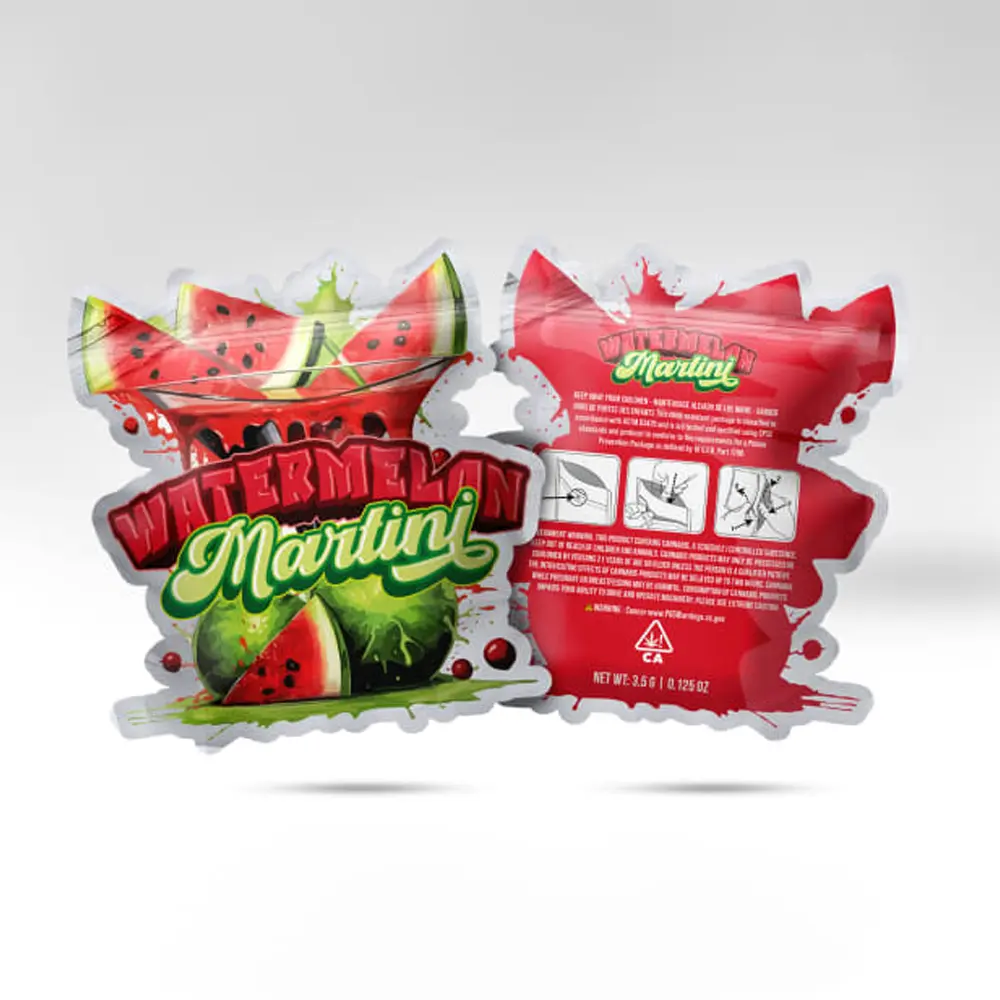
- Pouches
- Bottles
- Jars
- Gift boxes
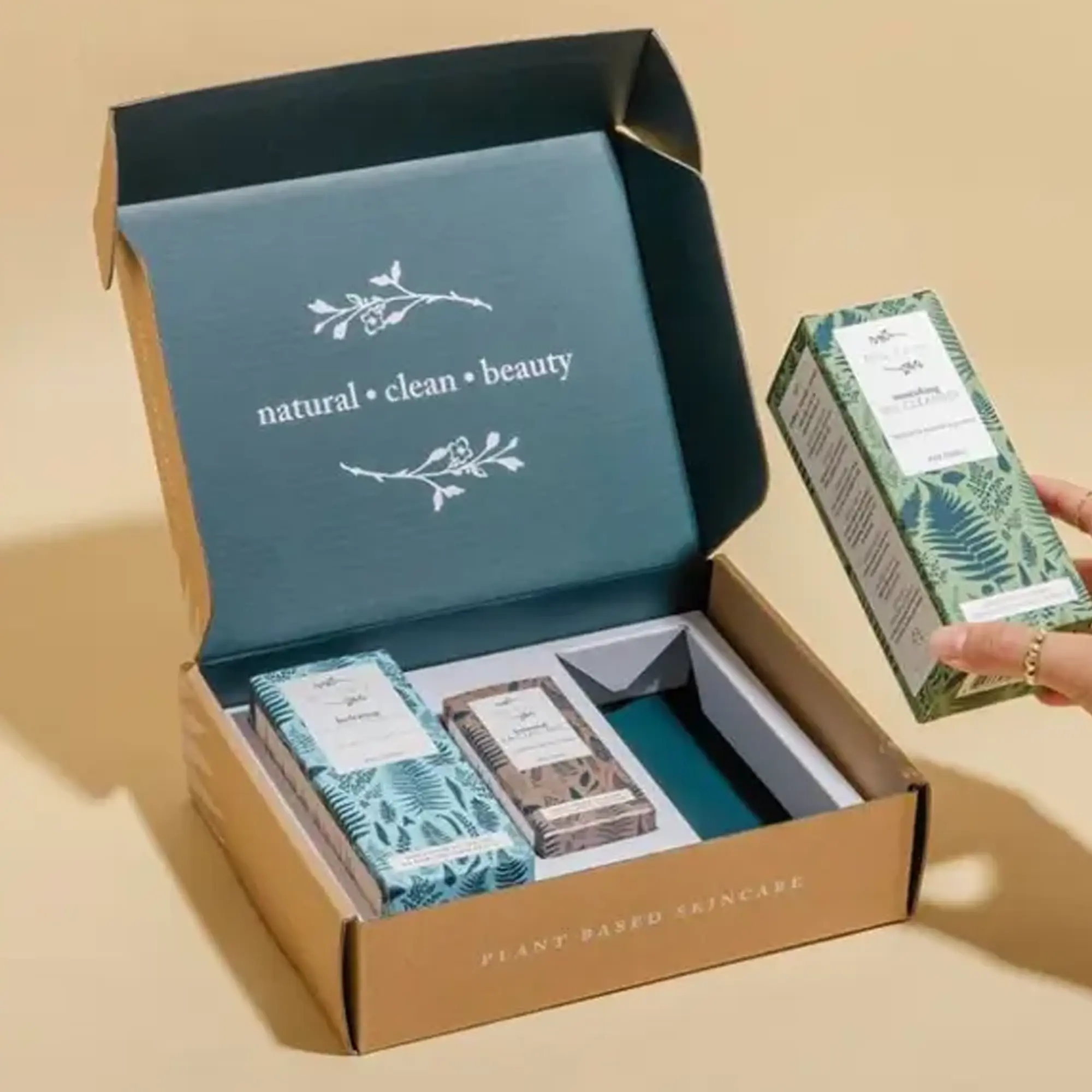
- Subscription packaging
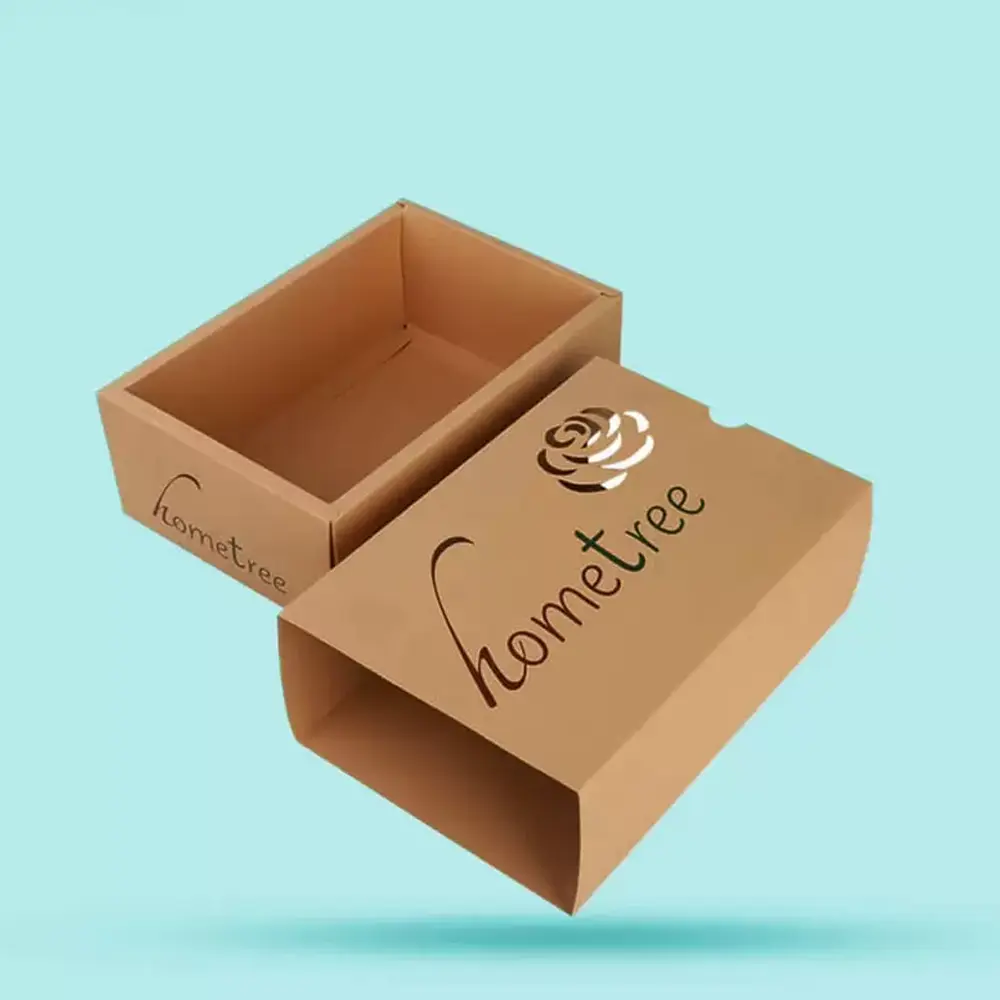
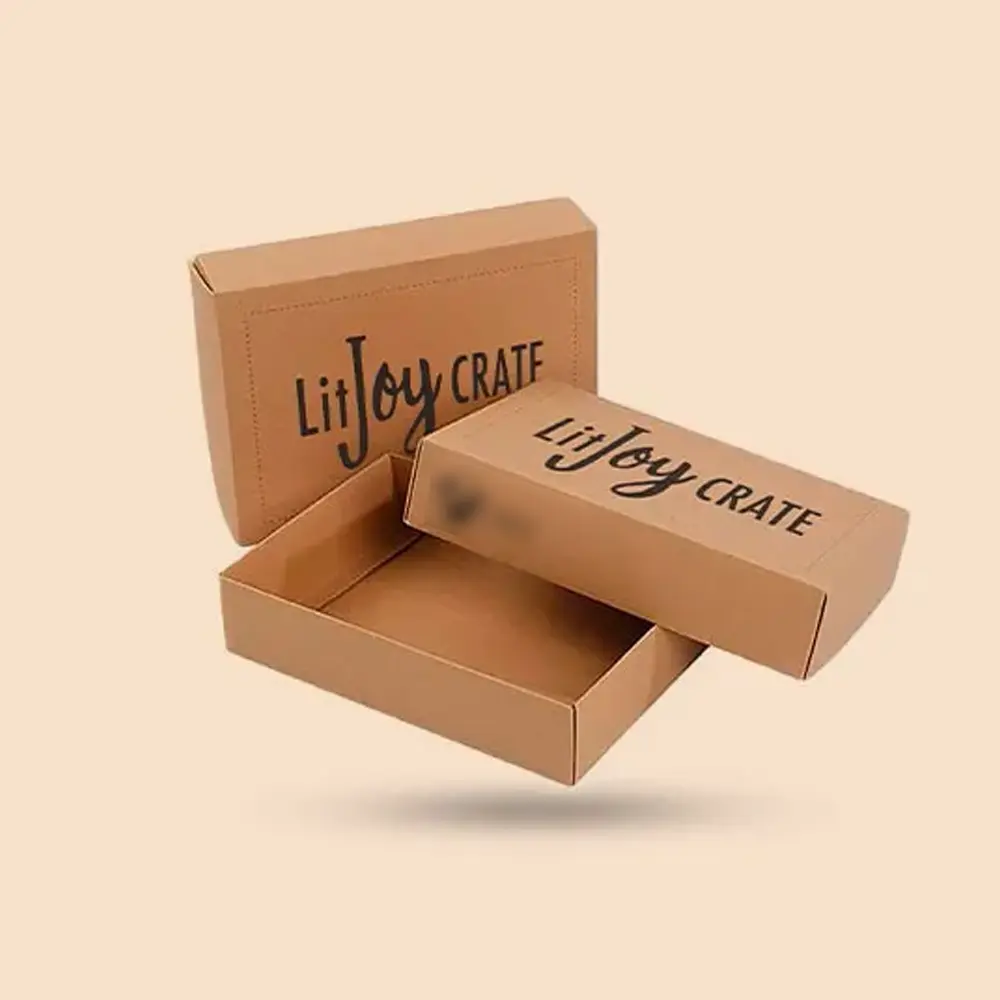
- Kraft boxes
- Custom packaging boxes
These industries often rely on strong visual presentation to attract customers and build brand recognition. Pacdora helps simplify that process by providing packaging visualization tools that are accessible to both designers and non-designers.
Can Pacdora Replace a Packaging Designer?
Short Answer: No, Pacdora cannot fully replace a professional packaging designer, but it can make the design process faster and easier. It helps users create mockups, preview packaging concepts, and generate dieline templates before working with designers, printers, or packaging suppliers.
Pacdora is an excellent product packaging design tool, but it should not be viewed as a complete replacement for professional packaging designers or packaging engineers. The platform helps users create packaging prototypes, visualize concepts, and generate dieline templates. These features can reduce design time and improve communication between stakeholders. However, professional packaging development involves much more than creating attractive visuals.
Packaging experts evaluate material performance, structural integrity, production feasibility, finishing techniques, shipping requirements, and regulatory compliance. These considerations go beyond what a digital mockup platform can provide. For simple projects, Pacdora may handle much of the visualization process. For commercial packaging intended for retail shelves or large-scale distribution, professional review remains an important part of the workflow.
How Packaging Companies Can Use Pacdora
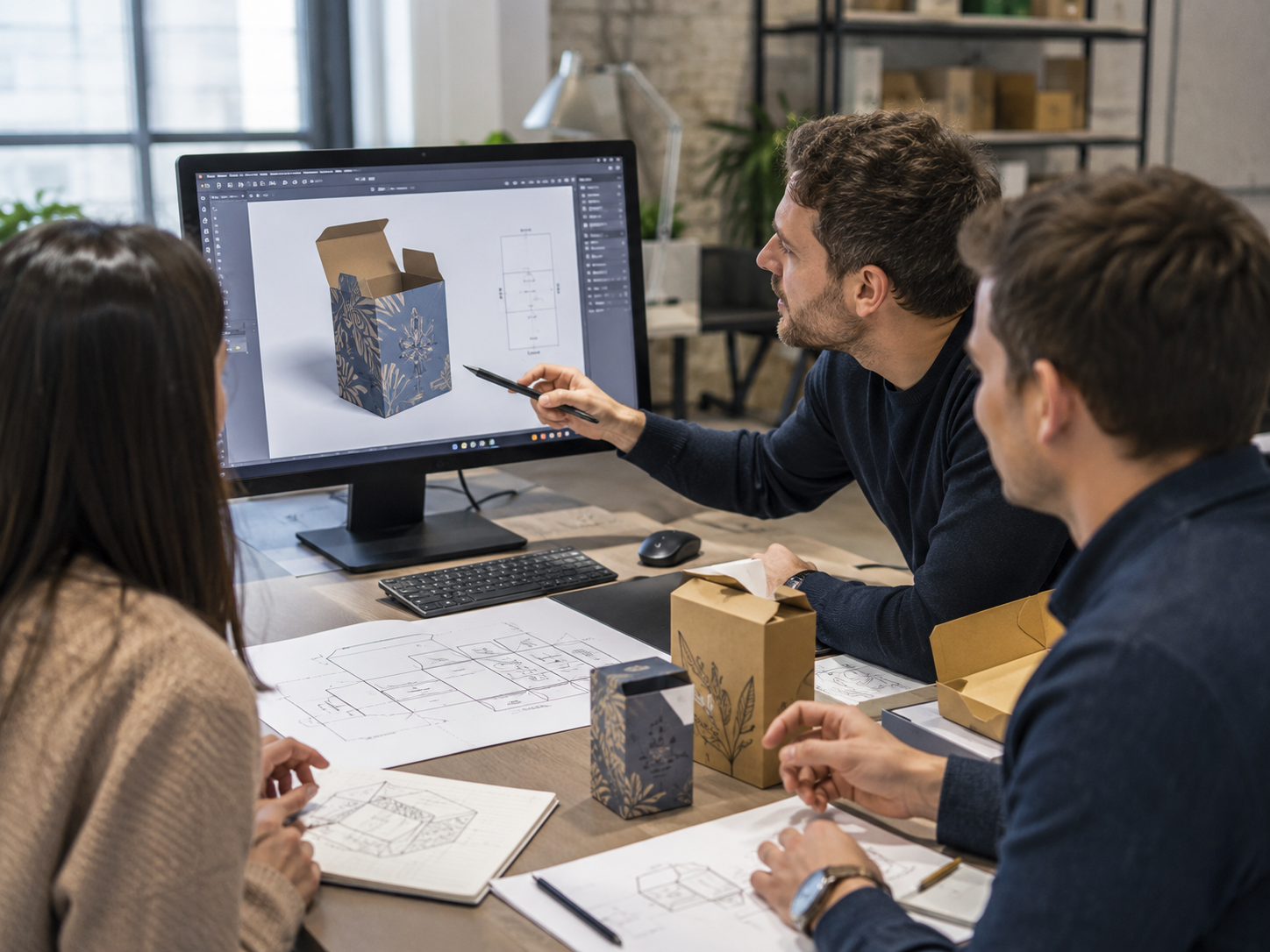
Packaging companies can integrate Pacdora into their customer workflow to improve communication and reduce project delays.
A common process begins when a customer creates a packaging concept or packaging mockup online using Pacdora. Instead of sending rough sketches or incomplete artwork, they can share a visual representation of their idea with a packaging supplier. The supplier can then review the design and evaluate important production factors such as:
- Package dimensions
- Material recommendations
- Structural requirements
- Printing methods
- Finishing options
- Shipping durability
This collaborative approach often reduces misunderstandings and helps projects move from concept to production more efficiently. For shipping-focused products, the supplier may recommend Corrugated Shipping Boxes to improve protection, structure, and delivery performance.
For businesses interested in custom printed boxes, Pacdora can serve as the starting point rather than the final destination. Once a design has been approved, packaging specialists can refine the dieline, verify production requirements, and prepare files for manufacturing.
Common Mistakes to Avoid When Using Pacdora
- Using Incorrect Dimensions
Packaging dimensions affect every aspect of production. A box that looks great in a mockup may fail to fit the product if measurements are inaccurate. Always verify dimensions before approving designs.
- Uploading Low-Resolution Artwork
Low-quality graphics may appear acceptable on-screen but produce disappointing print results. Use high-resolution artwork whenever possible to ensure professional output.
- Ignoring Bleed and Safety Areas
Bleed lines, cutting lines, and folding lines exist for a reason. Ignoring these guidelines can result in misaligned artwork and inconsistent printing results.
- Trusting Mockup Colors Completely
Digital screens display colors differently than physical printing processes. A mockup should be viewed as a representation rather than an exact prediction of final printed colors.
- Skipping Printer Review
Before moving to bulk packaging production, always have the artwork and dielines reviewed by a packaging supplier or printing professional. This additional review can prevent costly mistakes later.
From Digital Mockups to Real Packaging Success
Pacdora has become a valuable tool for businesses that want to simplify packaging design, create realistic 3D mockups, and visualize concepts before investing in production. Its combination of packaging templates, dieline generation, and 3D previews makes it useful for startups, ecommerce sellers, designers, and growing brands.
However, successful packaging goes beyond digital visualization. Once a design is approved, businesses still need expert support for materials, structural design, printing, finishing, and production quality. A realistic mockup is an important first step, but turning that concept into physical packaging requires specialized knowledge.
If you have already created a Pacdora design and are ready for production, working with an experienced packaging supplier can help transform your concept into high-quality custom printed boxes for Retail Packaging that are built for real-world performance. From material selection to finishing options and bulk manufacturing, professional packaging support ensures your final product looks as good in reality as it does on screen.
FAQs
- What is Pacdora used for?
Pacdora is used to create packaging mockups, dieline templates, product visualizations, and 3D packaging previews. Businesses, designers, and ecommerce brands use it to visualize packaging concepts before production and improve communication during the design process.
- Is Pacdora free?
Pacdora offers access to various tools, but available features may vary depending on the selected plan. Users should review the official Pacdora pricing page to confirm the latest free and premium features before starting a project.
- Can I create packaging mockups online with Pacdora?
Yes. Pacdora functions as a packaging mockup online platform that allows users to select templates, upload artwork, preview designs in 3D, and export visual assets without requiring advanced software skills.
- Can Pacdora create print-ready dielines?
Pacdora can help generate dieline templates and packaging structures. However, before moving into production, dielines should be reviewed by a packaging supplier to ensure accuracy and compatibility with printing requirements.
- Does Pacdora support PNG, JPG, and MP4 exports?
Pacdora supports various export options for packaging presentations and marketing materials. Users should verify the latest export formats and availability through official Pacdora documentation and subscription details.
- Is Pacdora good for small businesses?
Yes. Small businesses and startups often benefit from Pacdora because it simplifies packaging visualization and reduces the need for expensive design software during the early stages of product development.
- What are the best Pacdora alternatives?
Popular alternatives include Adobe Illustrator, Canva mockup tools, Placeit, and professional packaging design services. Each option offers different levels of customization, technical control, and ease of use.
- Can Pacdora replace a packaging designer?
No. Pacdora helps create mockups and packaging concepts, but professional designers and packaging engineers still provide expertise in branding, structural design, print preparation, and manufacturing requirements.
- Can I use Pacdora for custom boxes?
Yes. Pacdora can help users visualize custom boxes, preview artwork placement, and create packaging concepts. Once finalized, the designs can be prepared for commercial production by a packaging supplier.
- Do I still need a packaging supplier after using Pacdora?
Yes. Pacdora helps with design and visualization, but packaging suppliers handle materials, printing, coatings, finishes, assembly, and production. Physical packaging still requires manufacturing expertise.

 Custom Boxes
 Mailer Boxes
 Shipping Boxes
 Display Boxes
 Product Boxes
 Retail Packaging
 Luxury Packaging
 Sustainable Packaging
 Mylar Bags
 Labels & Stickers
 Inserts & Dividers
 Acrylic Signs
 Mylar and Zipper Bags
 Cosmetic Boxes
 Custom Candle Packaging Boxes
 Food and Beverage
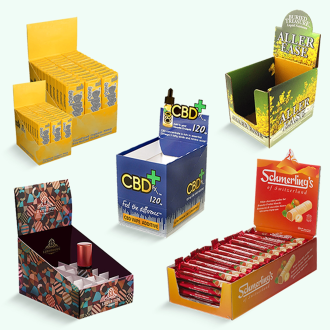 Display Packaging
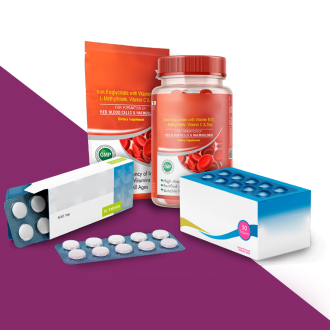 Pharma Packaging
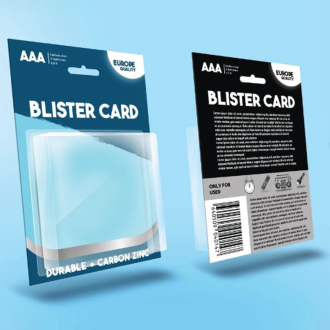 Custom Blister Packaging
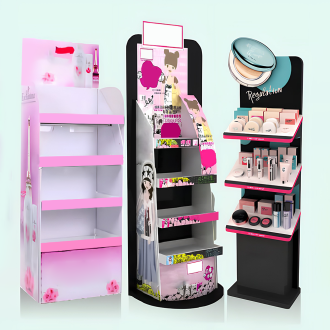 Stand Up Displays
 Kraft Boxes
 Cereal Packaging Boxes
 Bakery Packaging Boxes
 Eco-Friendly Boxes
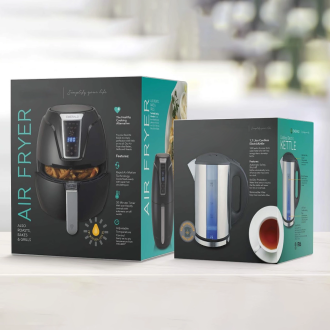 Electronics Packaging Boxes
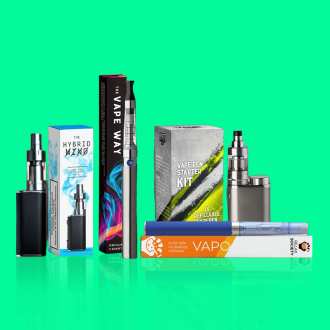 Custom Vape Boxes & Packaging
 CBD Packaging Boxes
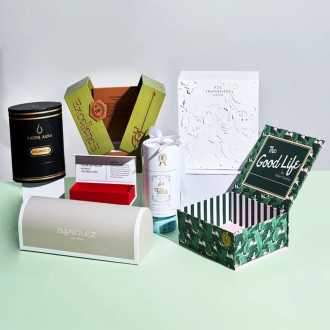 Rigid & Luxury Packaging Boxes
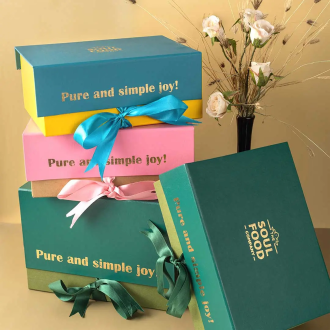 Gift Boxes
 Custom Soap Boxes & Packaging
 Metalized Boxes
 Retail Boxes
 Subscription Boxes
 Invitation Boxes
 Corrugated Shipping Boxes
 Matte Finish
 Gloss Finish
 Soft Touch
 Foil Stamping
 Spot UV
 Embossing
 Debossing
 Window Cutouts